.avif)
10 Best Sales Prospecting Tools for 2026


.avif)
A rep pulls a list on Monday, ops enriches it on Tuesday, and by Thursday the team is already working from mismatched records. One tool says the buyer changed jobs. Another still shows the old title. Outreach starts anyway, and the first signals you get back are bounces, low reply rates, and wasted SDR time.
Sales prospecting often feels backward. Teams have more intent signals, firmographic data, contact data, and workflow tools than ever, but many still stitch the process together with exports, CSV cleanups, duplicate enrichment, and manual QA. The core problem is not access to data. It is choosing the right system for the job, then making sure that system feeds clean records into the rest of the stack.
Usable prospecting data is hard to get because every category solves a different part of the workflow. A data provider helps you find and verify contacts. An engagement platform helps reps work accounts and run outreach. An all-in-one platform trades some depth for convenience. A builder tool gives ops teams far more control, but usually asks for more setup and governance. Teams that skip this category decision often buy on surface-level features, then spend months patching gaps with extra tools and manual work. If email verification is part of your workflow, it also helps to understand how reverse email lookup tools for sales teams fit into lead validation and enrichment.
That buying decision matters more than any single feature comparison.
This guide breaks down the 10 best sales prospecting tools by the job they do best. The goal is to help you choose the right type of tool first, then the right vendor inside that category, based on team size, workflow complexity, data quality needs, and how tightly sales and ops need the system to fit. If you want a broader primer before comparing vendors, you can also learn about sales tools from ReachInbox.
Table of Contents
1. Icypeas
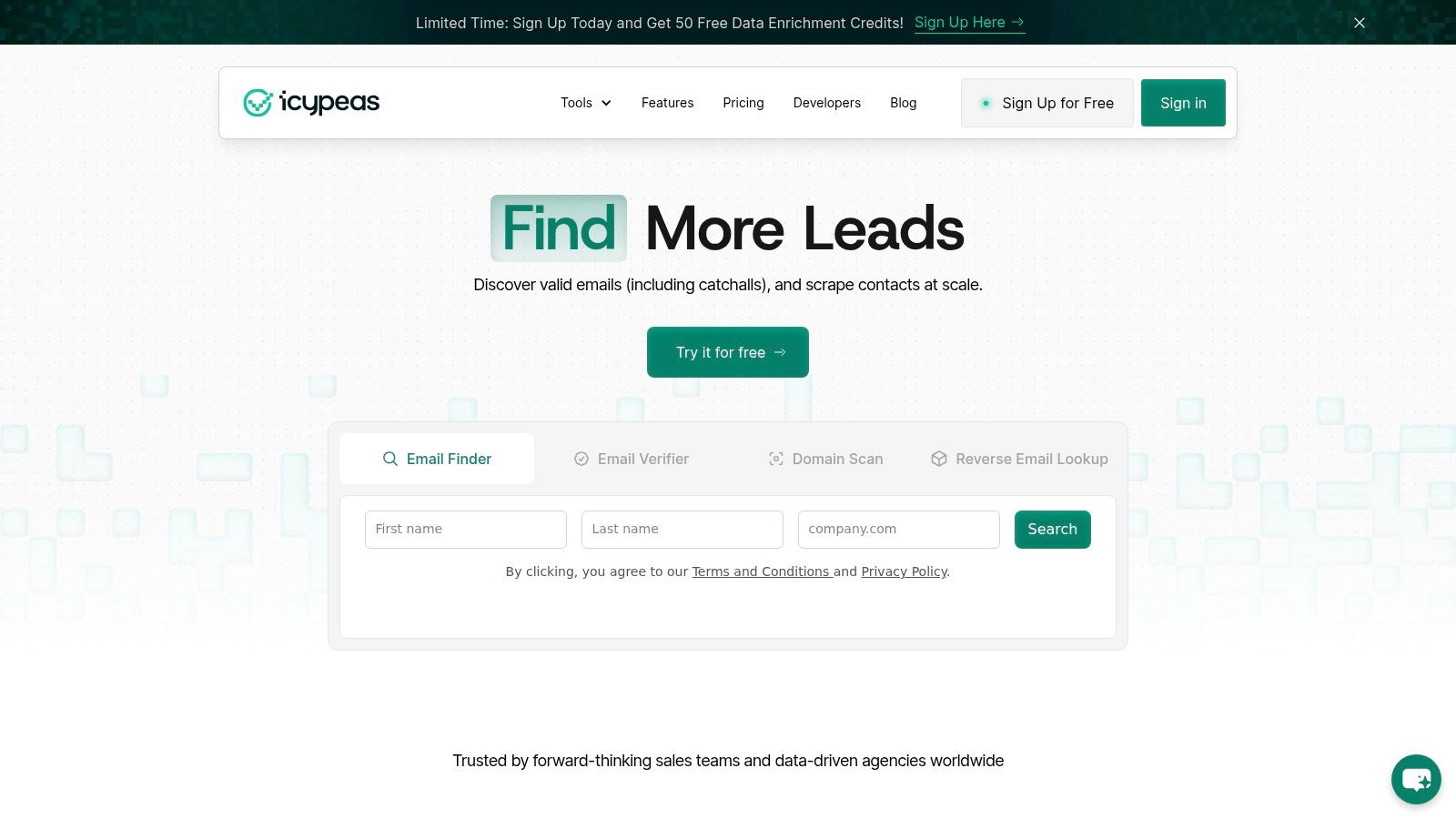
A familiar prospecting failure looks like this. Reps build a list, launch sequences, and then spend the next two weeks sorting through bounces, missing titles, and records that never should have reached the CRM. If that is the bottleneck, a specialist data tool usually creates more pipeline than another engagement platform.
That is where Icypeas fits. It is a data-first prospecting tool built for finding, verifying, and enriching professional contact records, and it makes the most sense when the first problem to solve is data quality rather than cadence execution.
Icypeas positions itself around large-scale people and company coverage with frequent refreshes. This signals that the product is designed for teams that care about database breadth and record maintenance, not just one-off email lookups.
Why Icypeas stands out
The buying case for Icypeas is straightforward. Better contact data improves deliverability, targeting, and routing before a rep writes a single line of copy.
In practice, that means fewer wasted sends and fewer bad records entering the stack. Teams that already have a sequencer but still fight bounce rates, weak enrichment, or incomplete inbound records usually feel the impact fastest.
Its core workflows cover the jobs that sales ops teams often patch together with separate vendors:
- Email Finder: Finds work emails from person and company inputs.
- Email Verifier: Cleans lists before launch and helps protect sending domains. This focus benefits teams that care about inbox placement, sender reputation, and cutting wasted sequence volume.
- Reverse Email Lookup: Resolves an email into a fuller professional identity. That is especially useful for inbound routing, fraud checks, and contact cleanup. If that workflow matters, this roundup of reverse email lookup tools is a good companion read.
- People Scraper and profile enrichment: Adds title, company details, and profile context for segmentation and AI-assisted personalization.
One practical advantage is how cleanly Icypeas fits into a modern enrichment workflow. It can support quick list work from the web app, but the stronger use case is operational. API-based verification, CRM hygiene, form enrichment, and waterfall logic are where a specialist data vendor earns its seat. Teams comparing specialist databases can also review these ZoomInfo competitors for data enrichment and prospecting.
Practical rule: If your workflow starts with “export a big list and let sequencing sort it out,” fix the data layer first.
Who should buy it
Icypeas is a strong fit for teams choosing the Data category first in their prospecting stack. That includes SDR teams trying to reduce bounce rates, RevOps teams cleaning up enrichment logic, agencies managing variable client volumes, and product teams embedding contact verification into forms or internal tools.
The commercial model also suits uneven usage patterns. Credits do not expire, which is useful for teams that prospect in bursts instead of running high-volume outbound every week.
There are trade-offs. Icypeas is not trying to replace Salesloft, Apollo, or HubSpot as the system reps work from all day. It is also not the best choice if the primary need is relationship mapping, social signals, or native workflow inside LinkedIn. Its value shows up when clean records, verification discipline, and flexible enrichment matter more than having prospecting, engagement, and intelligence under one login.
For that reason, Icypeas works best as the data foundation in a broader stack. Choose it when bad records are the constraint. Choose something broader only after that problem is under control.
2. LinkedIn Sales Navigator
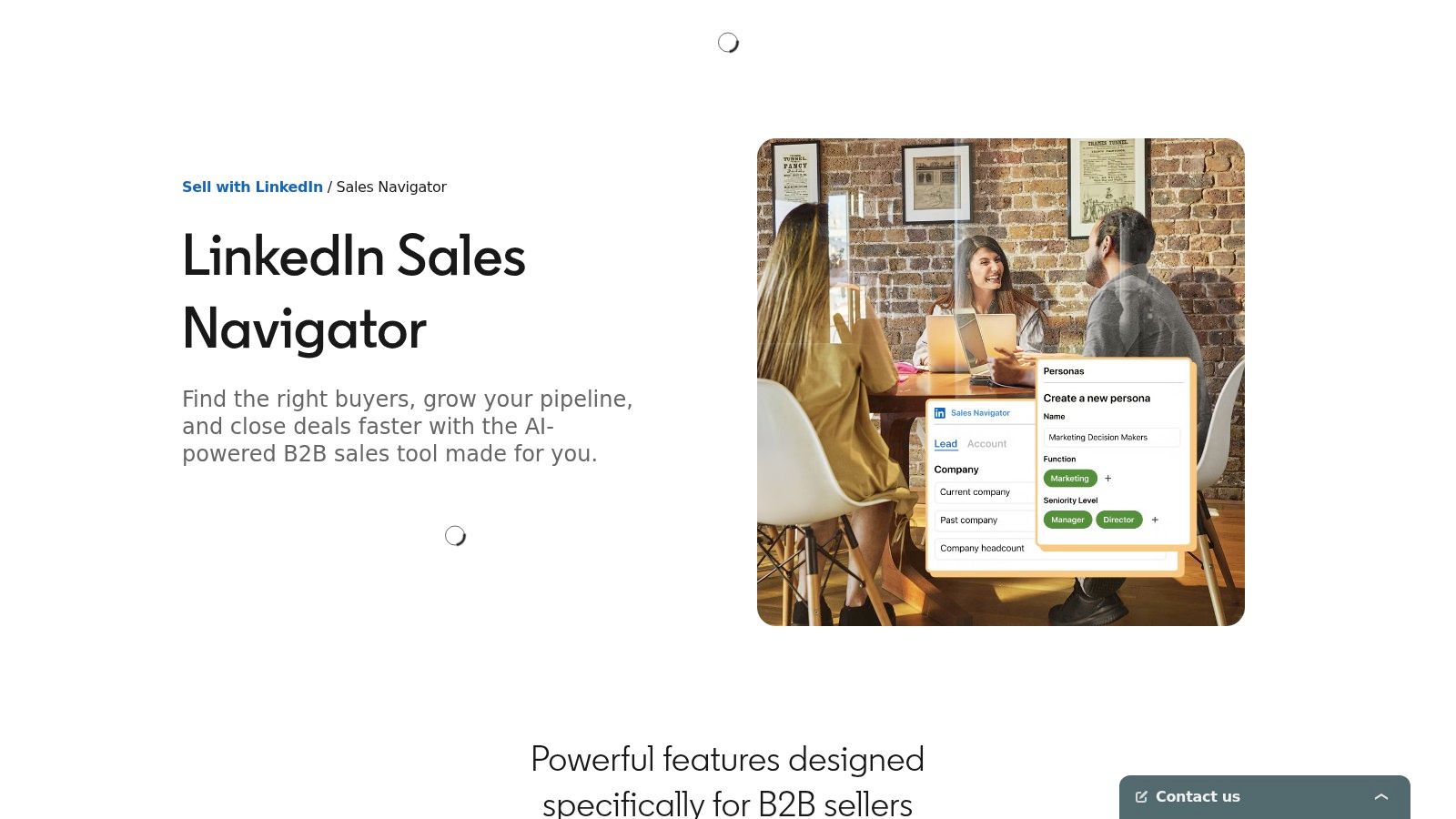
A rep has the right account list, but outreach still misses because the timing is off. The champion changed roles last week. A new VP just joined. A former customer now works at the target account. Sales Navigator is one of the few prospecting tools built around those moments.
In the framework for this guide, Sales Navigator sits in the targeting and relationship layer, not the data layer. Teams buy it when they need better account selection, cleaner territory research, and live signals from the professional graph before they invest in a larger database or sequencing stack.
Where Sales Navigator wins
Sales Navigator is strongest when the sale depends on relevance and context. Its lead and account filters are useful, but its main value comes from workflow signals: job changes, company updates, shared connections, and activity that gives reps a reason to reach out now instead of sending another generic sequence.
That makes it especially effective for mid-market and enterprise teams running account-based outbound. Reps can prioritize accounts with actual movement, map buying committees faster, and identify who is newly promoted into decision-making roles. Those are high-value signals that broad contact vendors often surface later or less cleanly.
The best use of Sales Navigator is tracking who changed roles, who gained influence, and where a warm path exists before a rep sends the first message.
It also helps teams choose the right companion category. If reps consistently find good targets in LinkedIn but struggle to turn those prospects into verified contacts, the next purchase is usually a data tool, not another research product. Teams evaluating that path can compare options in this guide to ZoomInfo competitors for data enrichment and prospecting.
Where it needs help
Sales Navigator does not replace a contact database, an engagement platform, or an all-in-one outbound system. Email discovery and phone coverage are limited. InMail can support outreach, but few teams want their pipeline creation model tied to one channel with constrained volume.
The operational trade-off is simple. Sales Navigator improves who reps target and when they engage, but it does less to support enrichment, verification, bulk export workflows, and outbound execution. For this reason, I rarely treat it as a standalone answer.
Choose it when your main bottleneck is account selection, relationship mapping, or trigger-based prospecting. If the bottleneck is verified contact data at scale, automated enrichment, or multichannel sequencing, another category should lead the buying decision.
3. ZoomInfo SalesOS
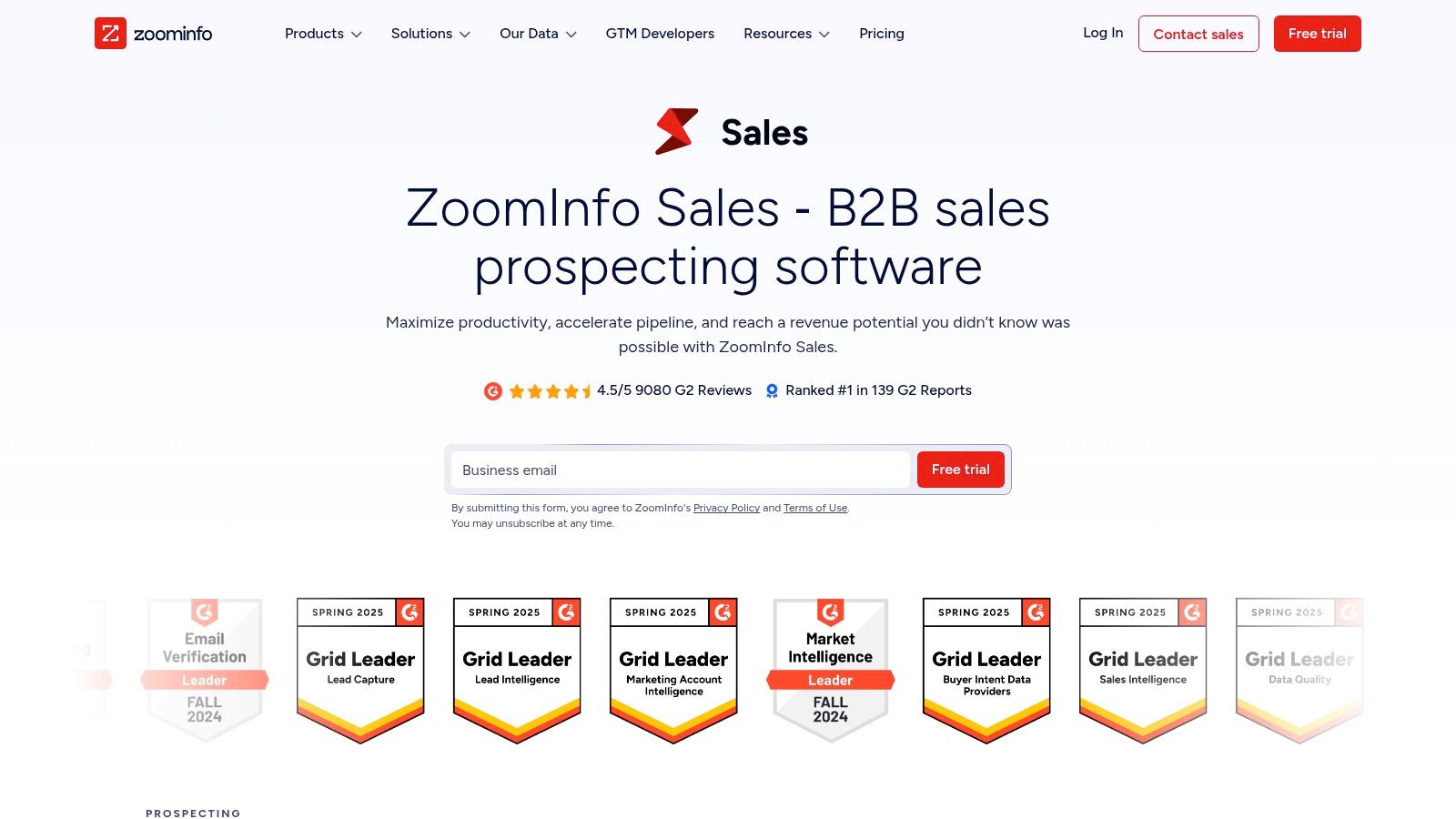
A common inflection point looks like this. Reps are pulling lists from one tool, marketing is enriching forms in another, ops is fixing routing by hand, and leadership wants one view of accounts, contacts, and buying signals. That is the point where ZoomInfo SalesOS usually enters the conversation.
This is not a lightweight prospecting tool. It is a GTM data and workflow system for teams that need account intelligence, enrichment, intent data, and operational control in the same environment. That distinction matters when choosing a category first. If the actual need is a data layer that multiple teams can use, ZoomInfo is usually a better fit than an all-in-one outbound platform.
Why enterprises choose it
ZoomInfo tends to win when prospecting has become a shared process across sales, marketing, and rev ops. Teams use it for list building, account research, enrichment, form routing, territory coverage, and buyer signal monitoring. The value is less about giving one rep more names to call and more about giving the business one system for GTM data.
It also fits buying environments where admin controls, procurement review, and compliance scrutiny are a key factor. That is especially relevant for larger organizations operating across multiple regions or business units.
- Best for enterprise data infrastructure: Useful when multiple GTM teams need the same account and contact layer.
- Best for mature operations: Strongest when admins can configure routing, governance, enrichment flows, and CRM processes well.
- Less ideal for lean teams: Smaller teams often pay for breadth they never fully implement.
The trade-off
The upside is scale and workflow coverage. The downside is adoption risk.
ZoomInfo can solve several problems at once, but only if the team has a clear operating model. If reps mainly need verified emails, direct dials, and a fast path to outreach, a focused data provider or a simpler all-in-one tool is often the better purchase. I have seen teams buy ZoomInfo for enterprise-grade breadth, then use a small fraction of it because no one owned implementation.
Pricing also tends to be quote-based, which is normal at this end of the market but harder for smaller teams trying to test value quickly. If you are comparing vendors in this category, this guide to ZoomInfo competitors is worth reading to help answer a more useful question. Do you need a full GTM data system, or do you need cleaner contact data with a simpler workflow fit?
4. Apollo.io
A common buying scenario looks like this. The team has outgrown spreadsheets and a basic CRM, but it is not ready to assemble a full prospecting stack with separate vendors for data, sequencing, enrichment, and workflow automation. Apollo gets shortlisted because it covers enough of that ground in one product to let outbound start fast.
That positioning matters more than any single feature. In this guide's framework, Apollo is an all-in-one prospecting tool first, not a pure data vendor. Teams usually choose it when speed, affordability, and workflow simplicity matter more than having the deepest account intelligence or the highest-confidence direct dials in every segment.
Why Apollo gets adopted quickly
Apollo combines contact discovery, list building, enrichment, and outbound sequencing in a way that is easy for small and mid-sized teams to operationalize. Reps can find prospects, push them into outreach, and manage early outbound activity without stitching together several point solutions first.
That reduces setup friction.
It also makes Apollo attractive to founder-led sales teams, early SDR functions, and lean RevOps groups that need one system reps will use. In practice, adoption is often the deciding factor in this category. A more specialized stack can outperform Apollo on specific jobs, but only if the team has the time and process discipline to implement it well.
Apollo is usually the right answer when the core problem is getting prospecting and outreach into one workable system fast.
Where it fits best
Apollo works best for teams that want to choose the all-in-one category, then buy a product with a short path to value. It is a strong fit for email-first outbound motions, smaller sales teams, and companies that need acceptable data plus built-in engagement rather than best-in-class performance in each layer.
The trade-off is straightforward. Apollo gives teams convenience, decent workflow coverage, and lower operational overhead. Its limitations appear when precision is the priority over convenience. Teams selling into narrow enterprise segments, relying heavily on phone outreach, or needing stricter data governance often find that a dedicated data provider, or a builder like Clay paired with another source, gives them more control.
There is also a practical scaling point to watch. Self-serve pricing looks attractive at the start, but usage rules, credits, and export limits still shape how far a team can push the platform before process design becomes a real issue.
For many growing outbound teams, Apollo is not the final stack. It is often the fastest way to prove the motion, build pipeline, and learn where the bottleneck is. Once that becomes clear, buyers can decide whether to stay with an all-in-one tool or move toward a more specialized setup.
5. Cognism
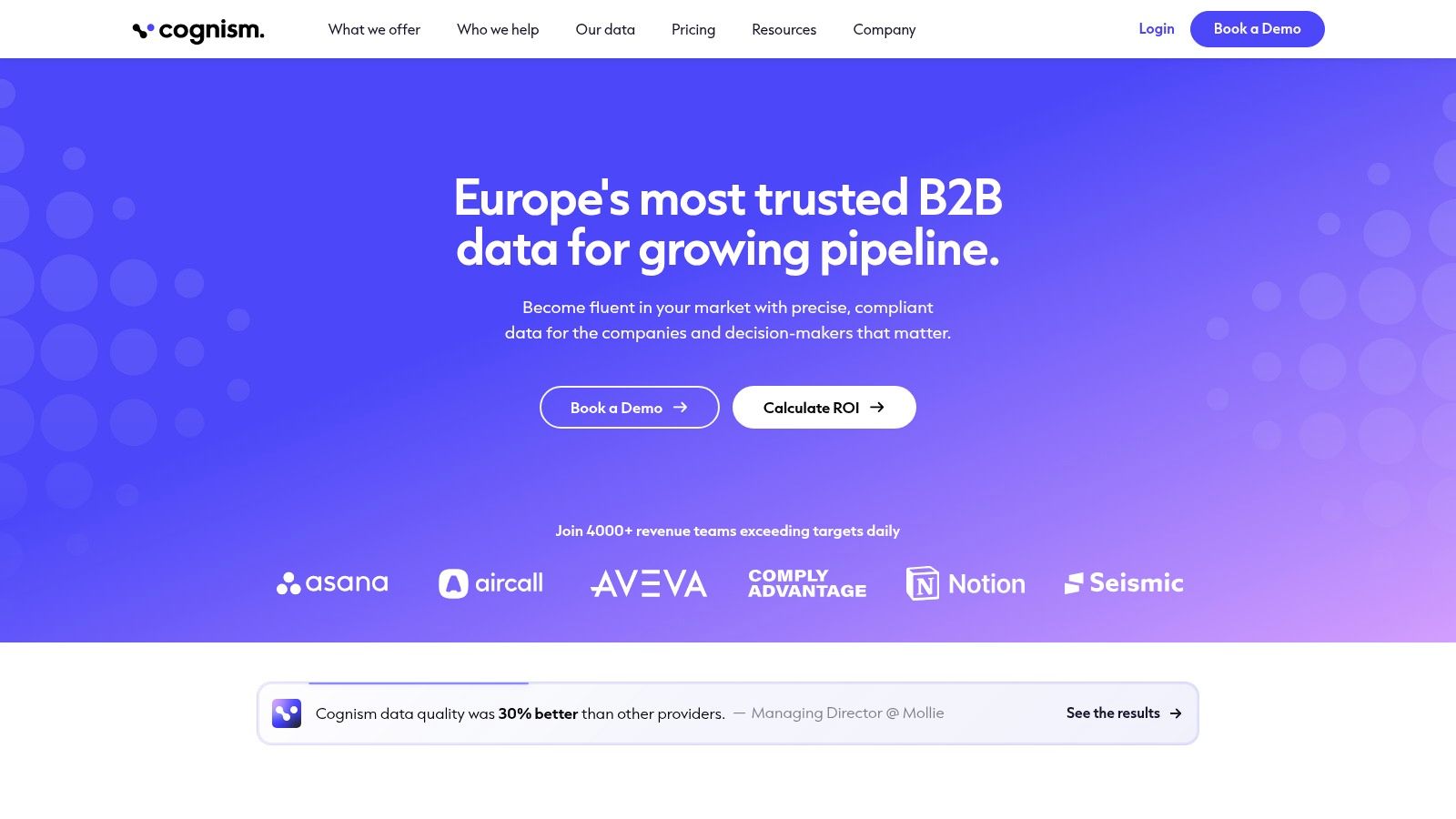
A common buying scenario looks like this: the outbound team wants more verified mobile numbers, legal is asking harder questions about data handling, and EMEA coverage is no longer optional. That is usually the point where buyers should stop comparing generic prospecting databases and decide whether they need a compliance-first data provider.
Cognism belongs in the Data category first. It is not the tool I would choose for teams trying to combine prospecting, sequencing, and workflow automation in one place. I would look at it when the main requirement is trusted contact data, especially for phone-led outreach and European markets.
Why buyers choose it
Cognism tends to win on risk reduction and usable phone data. That is especially relevant for teams that prospect heavily by phone. It is even more important for legal and RevOps teams that need clearer governance around how data is sourced, stored, and used.
That changes the buying math.
A cheaper all-in-one can look attractive in a demo, but if reps cannot rely on direct dials or the business has real exposure around data practices, the lower sticker price stops being the full story. In those cases, Cognism is often evaluated against other data vendors, not against engagement platforms.
Best fit
Cognism is a strong fit for enterprise and upper mid-market teams selling across EMEA, running a real calling motion, or operating in companies where procurement and compliance review carry weight. It also suits teams that want prospecting data to run through a controlled ops process instead of living inside scattered rep-level habits.
Here is the practical fit:
- Best for EMEA coverage: Stronger choice when European prospecting requirements affect vendor selection.
- Best for phone-led teams: Better match when mobile and direct-dial accuracy shape rep productivity.
- Less suited to lightweight outbound: Too much platform and buying process if the need is occasional email lookup or basic list pulls.
The trade-off is straightforward. Cognism usually asks for more buying effort up front, and quote-based pricing makes quick self-serve testing harder. For small teams, that friction can outweigh the upside. For larger teams, especially those that have already felt the cost of weak phone data or messy compliance reviews, that extra diligence is often justified.
6. Lusha
Lusha sits in the practical middle of the market. It's not trying to be your full GTM operating system. It's trying to help reps get verified contacts quickly, with a workflow simple enough that people use it.
That simplicity is a feature. Some prospecting tools fail not because the data is unusable, but because the workflow is heavy enough that reps avoid it until pipeline is already thin.
What makes Lusha easy to pilot
Lusha is popular with small teams and agencies because the barrier to entry is low. The Chrome extension is straightforward, the workflow is lightweight, and comparison notes often highlight a free plan with monthly credits and a simple credit model for verified emails and phone numbers.
For teams testing a new outbound segment or building a small SDR pod, that matters more than feature breadth. You can validate whether the channel works before committing to a larger prospecting stack.
A tool that reps use every day beats a “better” platform that only ops understands.
Its limits
Lusha is best treated as a focused data access tool. It helps with sourcing, enrichment, and CRM connection, but it isn't where I'd go first for deep account intelligence, custom waterfall enrichment, or broader workflow automation.
The economics also shift as teams scale. Once multiple reps are consuming credits across regions and segments, you need to model usage carefully and compare that spend against all-in-one options. Lusha is often a smart pilot tool. It's not always the final answer for a larger outbound machine.
7. Clearbit (Breeze Intelligence inside HubSpot)
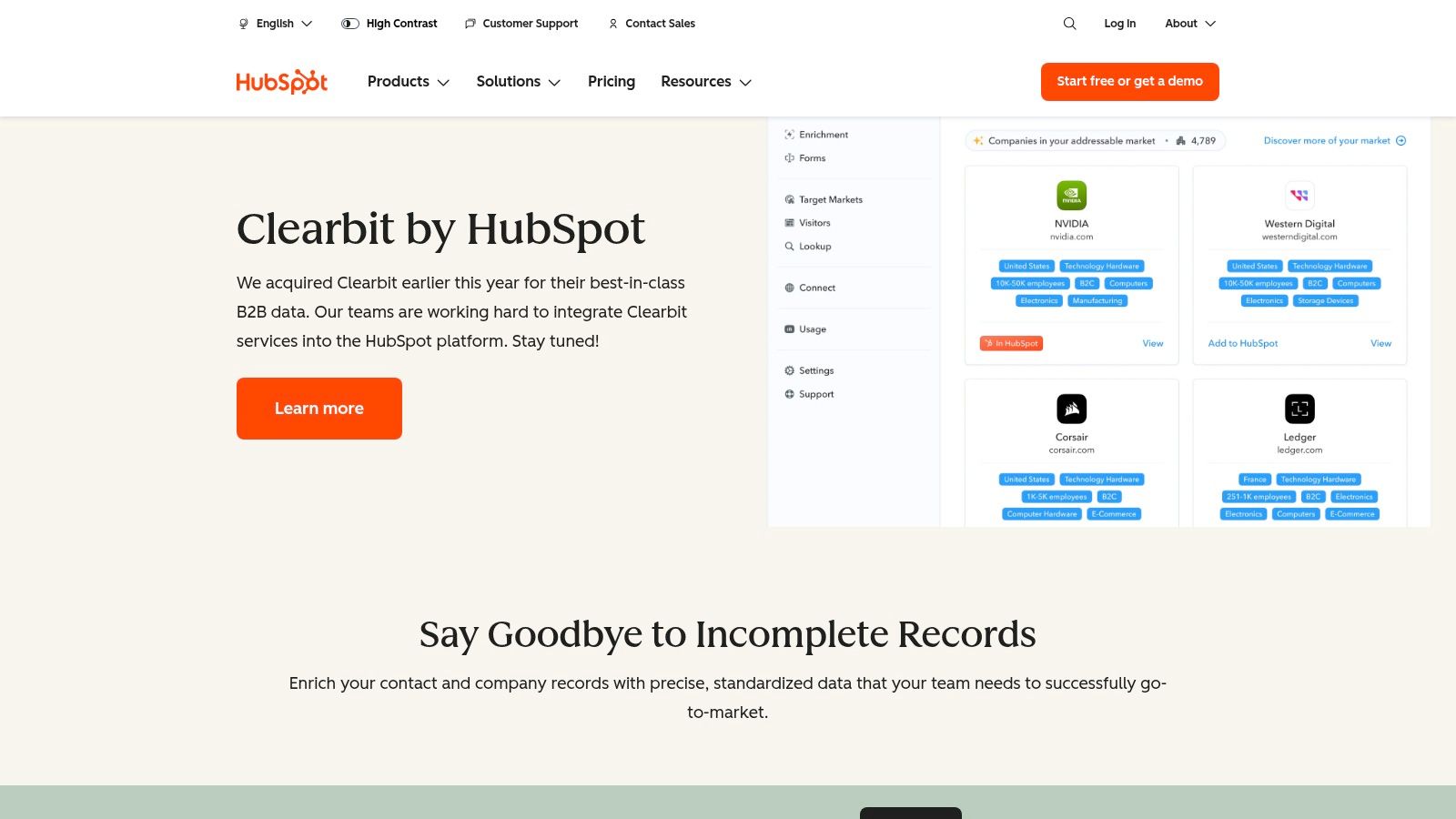
Clearbit is no longer a standalone buying decision in the old sense. The current consideration is whether HubSpot serves as your operating system, because Clearbit's enrichment capabilities live inside HubSpot as Breeze Intelligence.
Why HubSpot teams choose it
When your GTM runs on HubSpot, native enrichment has obvious advantages. You reduce middleware, reduce sync breakage, and keep enrichment tied directly to CRM objects, workflows, permissions, and reporting. That makes form shortening, routing, and lead qualification much easier to govern.
This is the kind of product that gets better when the rest of your stack is already committed. If marketing, sales, and lifecycle automation live in HubSpot, native data is easier to trust operationally than an external enrichment layer patched in with workarounds.
- Best for HubSpot-native teams: Enrichment, buyer insight, and automation in one operating environment.
- Best for governance: Fewer sync points, fewer data ownership disputes.
- Best for lifecycle workflows: Strong fit for inbound qualification and CRM-triggered routing.
When not to choose it
If you're not already deep in HubSpot, this usually isn't the tool to anchor your buying decision. You're not buying standalone flexibility. You're buying tighter integration inside one ecosystem.
That's great when HubSpot is already the source of truth. It's less appealing when your data workflows need to serve multiple CRMs, external tools, product-led motions, or custom enrichment logic outside the HubSpot stack.
8. Clay
Clay is one of the most powerful prospecting products on this list, but only if you buy it for the right reason. It's not the easiest tool. It's the most flexible one.
This is a builder platform for teams that want to create custom prospecting systems instead of accepting a fixed workflow. That includes agencies, RevOps teams, growth operators, and GTM engineers who care about waterfalls, signal logic, and enrichment orchestration.
Why ops teams love Clay
Clay works well when a standard vendor workflow doesn't match how the team sources accounts or enriches contacts. Its visual tables and flow builder let teams stitch together multiple providers, research steps, AI workflows, and downstream actions in one place.
That flexibility can reduce waste. Instead of paying the same provider for every record, teams can build smart waterfalls that query one source, then another, then another, only when needed. When done well, that gives better control over cost and coverage.
Clay is not “plug in and prospect.” It's “design the machine you wish your other tools already had.”
What can go wrong
The downside is obvious. Flexibility creates responsibility. If nobody owns the system, the workflows drift, credits get burned in the wrong places, and the team ends up with a clever setup no one can maintain.
Clay is best when ops owns the logic and reps consume the output. If you expect every seller to become a workflow architect, adoption gets messy fast. Used well, it's one of the best sales prospecting tools for bespoke outbound systems. Used casually, it can become an expensive spreadsheet with superpowers.
9. Salesloft
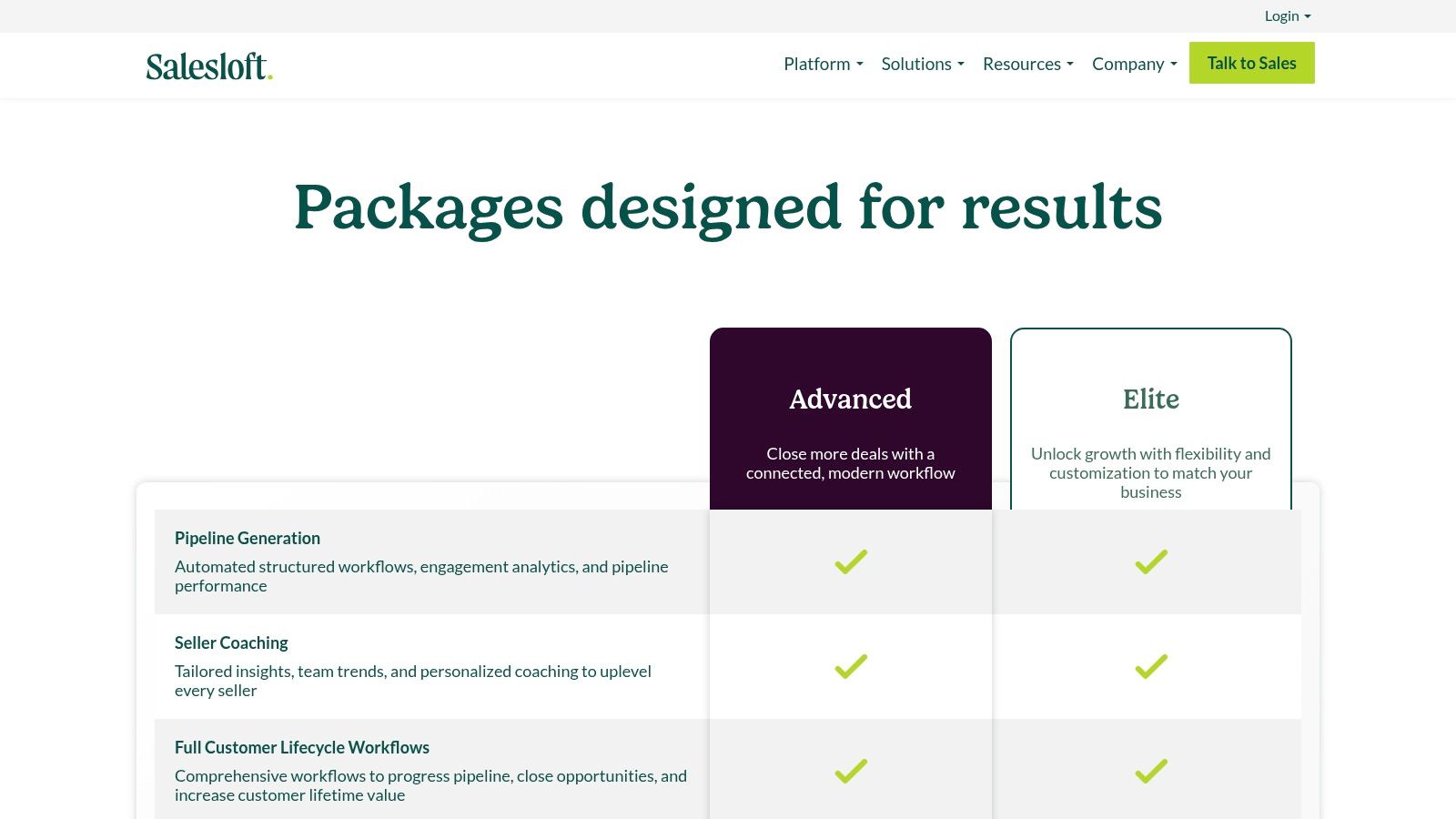
Salesloft is not primarily a data vendor. It's an engagement system for teams that need repeatable outreach, tighter coaching, and better visibility into rep execution. That distinction matters because many buying mistakes happen when teams expect engagement software to solve a data-quality problem it wasn't built to own.
What Salesloft does well
Salesloft shines when you need standardized multi-channel execution. Cadences, dialer workflows, call recording, conversation intelligence, and activity analytics all support one core job. Help teams prospect consistently and manage outbound as a controlled operating motion.
This is especially useful for organizations with multiple SDRs, layered management, and formal enablement. Leaders can see sequence performance, rep behavior, and coaching opportunities without relying on anecdotal feedback from the floor.
- Best for engagement governance: Useful when consistency matters more than rep improvisation.
- Best for manager visibility: Strong fit for coaching and performance inspection.
- Best when paired with data tools: Usually stronger alongside a separate provider for enrichment and contact sourcing.
Who gets the most value
Mid-market and enterprise teams usually benefit most because they have enough reps, managers, and process complexity to justify the platform. Smaller teams can still use it, but they often get more value first from better data and simpler outbound systems.
The trade-off is total stack cost. Salesloft becomes much more valuable when fed by clean contact data, which means many buyers still need to pair it with a platform like ZoomInfo, Cognism, or a specialist enrichment vendor.
10. HubSpot Sales Hub
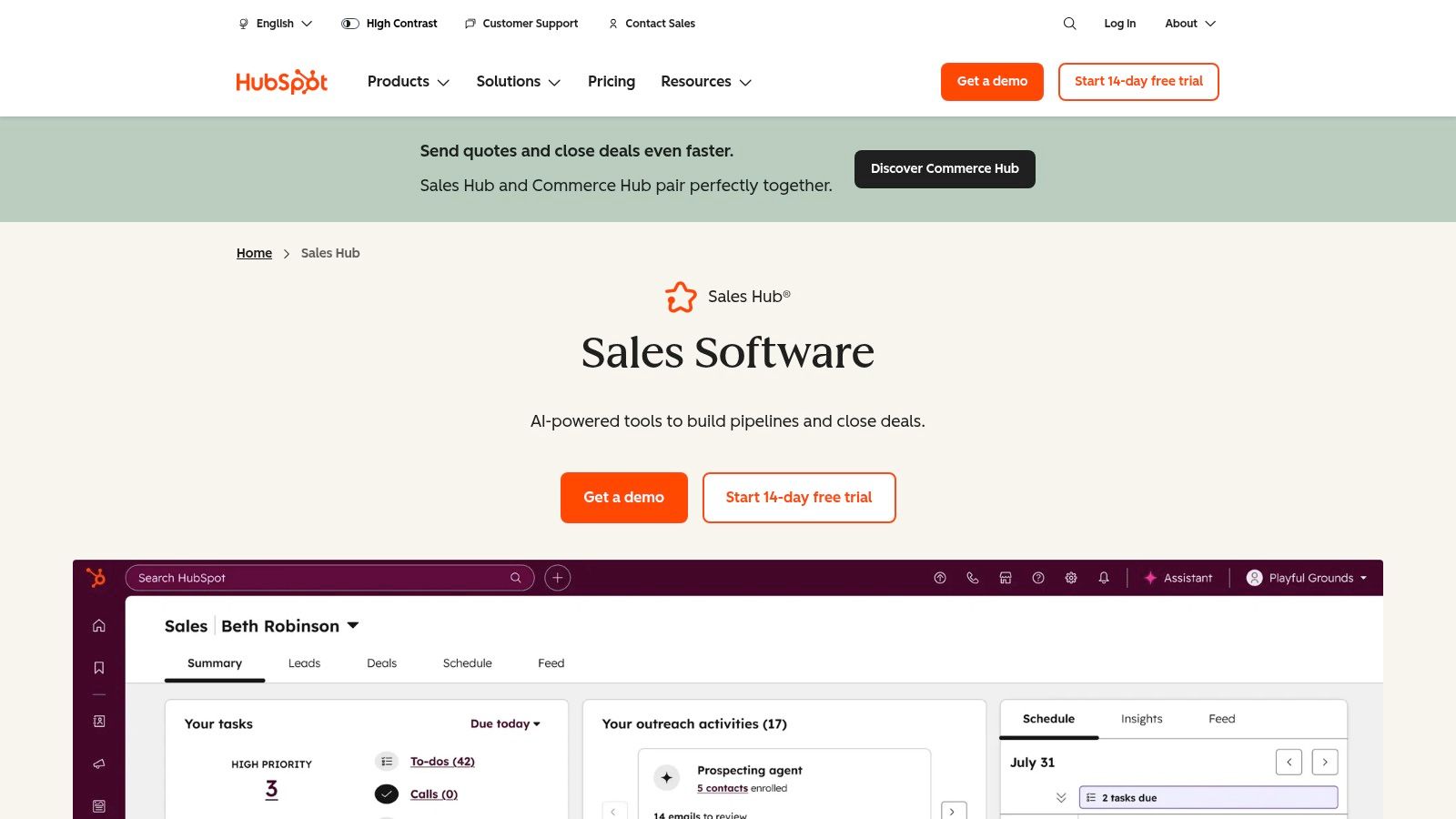
HubSpot Sales Hub is one of the easiest recommendations when a company wants less software, not more. If your team already works inside HubSpot CRM, using Sales Hub for prospecting, sequences, meetings, tasks, and reporting keeps the daily workflow cleaner than a stitched-together stack.
Why teams consolidate here
Consolidation is a significant advantage. Prospecting activity, CRM records, task queues, and pipeline management all sit in the same environment. That reduces context switching and usually improves adoption because reps don't need to learn a separate operating model for prospecting.
It also works well for companies that want sales and marketing closer together. If lead handoff, lifecycle stages, and attribution already live in HubSpot, Sales Hub gives sellers a more connected workspace than an external engagement platform would.
When to supplement it
HubSpot Sales Hub isn't always enough by itself. If you don't use Breeze Intelligence, or if your prospecting motion depends on broader data coverage, custom enrichment workflows, or non-HubSpot systems, you'll still want an external data source.
The strength here is operational fit, not maximum depth in every category. Teams that know this going in usually have a better rollout. They use HubSpot Sales Hub as the engagement and CRM center, then add the right data layer around it instead of expecting one product to solve every prospecting need.
Top 10 Sales Prospecting Tools Comparison
| Platform | Core features ✨ | Accuracy & deliverability ★ | Pricing & value 💰 | Best for 👥 |
|---|---|---|---|---|
| Icypeas 🏆 | Email Finder, strict Email Verifier (Google/MS catch‑all), Reverse Lookup, 575M people / 62M companies, dev-friendly API | ★★★★★, ultra low-bounce verifier, monthly-refresh datasets | 💰 Pay-as-you-go credits (never expire), free tier & promos; high ROI vs all-in-one vendors | 👥 SMBs, SDRs, agencies, product teams |
| LinkedIn Sales Navigator | 50+ filters, lead/account recommendations, InMail, signal alerts | ★★★★, best targeting signals, limited native email deliverability | 💰 Subscription (per-seat); no direct email exports, often paired with a data provider | 👥 Reps needing warm outreach & relationship-based sourcing |
| ZoomInfo SalesOS | Enterprise DB, WebSights, FormComplete, Copilot AI | ★★★★★, extensive coverage & dial accuracy for enterprise needs | 💰 Quote-based (enterprise pricing); high TCO but rich feature set | 👥 Large sales/marketing orgs, RevOps, ABM teams |
| Apollo.io | Integrated DB + sequencer, dialer, Chrome extension, API | ★★★★, good email coverage; phone depth varies by niche | 💰 Self-serve tiers + credits; clear affordable entry for SMBs | 👥 SDR teams wanting data + outreach in one tool |
| Cognism | GDPR-first DB, verified mobile numbers, intent signals | ★★★★, strong compliance & mobile reach (EMEA focus) | 💰 Quote-based; positioned for regulated or enterprise buyers | 👥 Teams targeting EMEA / compliance-heavy sectors |
| Lusha | Chrome extension, credit model (email/phone), quick enrichment | ★★★, fast verified emails; phone coverage inconsistent by region | 💰 Free tier (40 credits/mo), transparent credit pricing | 👥 Small teams & agencies who need quick lookups |
| Clearbit (Breeze in HubSpot) | HubSpot-native enrichment, form shortening, website signals | ★★★★, tight CRM sync reduces data rot for HubSpot users | 💰 HubSpot-controlled credits/pricing; embedded cost inside HubSpot | 👥 Companies running GTM on HubSpot |
| Clay | Visual flow builder, multi-source waterfalls, Claygent AI research | ★★★★, flexible accuracy via data waterfalls; needs ops tuning | 💰 Tiered pricing + action/credit modeling; can lower per-contact cost | 👥 Ops-savvy teams & agencies building custom pipelines |
| Salesloft | Multi-channel cadences, dialer, convo intelligence, analytics | ★★★, engagement excellence; pairs with external data for contacts | 💰 Quote-based; enterprise add-ons raise total cost | 👥 Mid-market & enterprise sales teams focused on engagement |
| HubSpot Sales Hub | Prospecting workspace, sequences, automation, reporting | ★★★★, strong CRM-native workflows; enrichment via Breeze | 💰 Per-seat pricing; predictable but higher tiers add cost | 👥 Teams centralizing CRM + sales tools on HubSpot |
The Best Prospecting Tool is a Cohesive Stack
A team buys a large contact database, loads thousands of records into the CRM, and expects pipeline to follow. Two weeks later, reps are still chasing bad numbers, managers still cannot see who is working accounts, and RevOps is stuck cleaning duplicates. The problem was never "which single tool wins." It was choosing the wrong category for the constraint.
The better buying process starts one level higher. Decide what type of tool you need before comparing vendors.
- Choose Data tools if the main failure point is bad emails, missing mobiles, weak enrichment, or poor CRM hygiene.
- Choose Engagement tools if reps already have workable contacts but execution is inconsistent across email, phone, and task management.
- Choose All-in-One tools if a lean team needs one system that covers prospecting, outreach, and basic workflow without stitching together several products.
- Choose Builder tools if your team runs custom waterfalls, account scoring, routing logic, or enrichment workflows that packaged software cannot handle well.
That framework keeps the evaluation grounded in operations. Buyers should ask a simple question first: where does pipeline slow down today? At list building, contact verification, sequencing, routing, or reporting? Once that bottleneck is clear, the shortlist usually gets much smaller.
There are real trade-offs in each path. A large database does not fix poor outbound discipline. A sequencing platform does not solve stale records. A flexible builder creates upside only if someone on the team can own logic, QA, and maintenance. Underperforming stacks usually break at the handoff between tools, where data formats, ownership rules, and workflow triggers are poorly defined.
That is why strong prospecting setups are usually built in layers. Sales Navigator can sharpen account selection while another vendor handles verification. A specialist enrichment tool can feed Salesloft or HubSpot Sales Hub. HubSpot can run the daily rep workflow while Breeze Intelligence or an external source fills in company and contact context.
Pilot the stack against operational outcomes, not feature checklists. Look for better usable contact rates, cleaner routing, stronger rep throughput, and faster time-to-first-touch. If a tool does not improve one of those, it is adding cost and admin work.
If you want a second perspective on how CRM choices affect the rest of the stack, this breakdown of Tooling Studio's CRM analysis is a useful complement.
The best prospecting stack helps the team create more qualified pipeline with less manual cleanup and less rep guesswork.
If your team needs cleaner contact data, stricter verification, and an enrichment layer that fits both operators and developers, Icypeas is worth testing first. It fits teams that want to reduce bounces, enrich leads at scale, and push verified data into outbound, CRM, or product workflows without buying an oversized all-in-one suite.

























































































.png)



.webp)