.avif)
The 10 Best B2B Sales Prospecting Tools for 2026


.avif)
Monday morning usually starts the same way. A rep pulls a promising list from LinkedIn, another exports contacts from a database, ops gets a CSV full of missing fields, and by afternoon someone is asking why the sequence bounced so hard. The problem is rarely effort. The problem is a stack built without clear roles.
B2B sales prospecting tools work best when you treat them as parts of a system, not as one big category. One tool should help you discover the right accounts and people. Another should enrich those records with usable emails, phones, and firmographic data. A third might handle outreach or sync clean records into the CRM. Teams that separate those jobs usually get better data quality, lower list waste, and fewer arguments about which platform is supposed to fix everything.
That is the lens for this guide. It uses a practical prospecting stack framework: all-in-one platforms for broad coverage, discovery tools for finding the right buyers, and enrichment tools for filling in the data you need to run outbound. In practice, that often means pairing Sales Navigator for list building with a specialist enrichment layer, or using an all-in-one tool where speed matters more than precision.
I have seen teams overspend by buying overlapping databases, then still rely on reps to patch records by hand. A tighter setup is usually more effective. Use discovery where intent and job changes show up first. Use enrichment where accuracy matters most. If you are comparing vendors in that second category, this list of B2B data enrichment tools is a useful reference before you decide what belongs in your stack.
Table of Contents
1. Icypeas
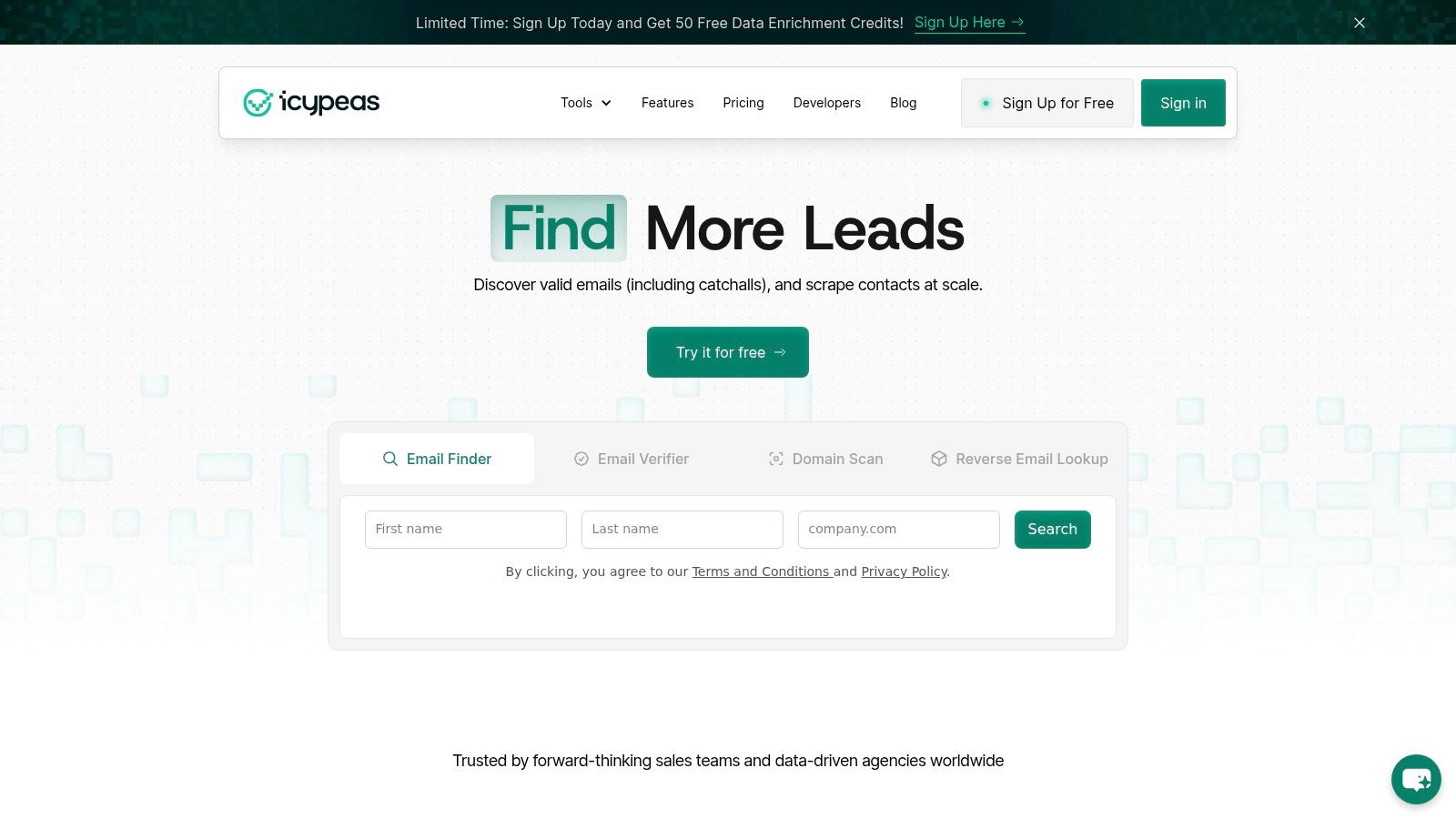
Most prospecting stacks break at the same point: discovery is decent, but the contact data isn't trustworthy enough to send at scale. That's where Icypeas stands out. It's a specialist enrichment platform built for teams that care more about deliverability and usable records than giant feature lists.
The product is focused in the right way. Email Finder, Email Verifier, Reverse Email Lookup, Domain Scan, bulk enrichment, and a developer-friendly API cover the core jobs sales ops teams need. If your workflow starts with names from Sales Navigator, event lists, inbound signups, product users, or scraped company pages, Icypeas is the kind of tool that turns rough inputs into outbound-ready records.
Why Icypeas belongs in the enrichment layer
What matters here isn't just that it finds emails. It's that the platform is built around strict verification, including catch-all handling for Google and Microsoft environments. That matters because recent independent testing across sales prospecting tools found huge quality variation, with email accuracy ranging from 40% to 98% and phone coverage from 0% to 85%. In practice, that gap is the difference between a productive SDR day and a list that burns your domain.
Icypeas also leans into builder use cases better than most enrichment vendors. The API is well documented, rate limits are generous, uptime is positioned as high, and the credit model is flexible enough for teams that don't want to get trapped in rigid annual consumption.
Practical rule: Use a specialist enrichment tool when sender reputation matters more than raw database size.
A few details make it more credible than the average niche vendor. Icypeas says it maintains about 575M people profiles and 62M company profiles with monthly updates, uses only open-source intelligence, aligns with GDPR and CCPA, and hosts through an ISO 27001-certified provider. It also has free public finder and verifier tools, which is useful when you want to test workflow fit before a deeper rollout. If you're comparing enrichment-first options, this breakdown of B2B data enrichment tools is worth reviewing.
Where it fits in a real prospecting stack
Icypeas is best as the enrichment and verification layer in a stack, not as your all-in-one system of record. A practical setup looks like this:
- Discovery first: Use LinkedIn Sales Navigator or Apollo to identify target accounts and contacts.
- Enrichment second: Push names and domains into Icypeas for email discovery, verification, and profile enrichment.
- Outreach third: Send only verified records into your sequencer or CRM.
That sequence is usually more cost-effective than forcing one large platform to handle every job.
Pros:
- Deliverability focus: Strict verification reduces bounce risk and protects sender reputation.
- Developer-friendly design: API access, flexible credits, and integration-friendly workflows suit ops teams and product teams.
- Strong fit for waterfall workflows: It works well as a specialist layer alongside discovery and outreach tools.
Cons:
- Not a broad all-in-one suite: If you want deep intent, built-in sequencing, and large-scale account intelligence in one place, you'll still need other tools.
- Public-source model has trade-offs: Cached public data is compliance-friendly, but fast-changing profiles can still require a second check.
Website: Icypeas
2. Apollo.io
A common early-stage outbound setup looks like this: reps need to build lists, find emails, enroll prospects, and log activity, but the team does not want to buy four separate tools on day one. Apollo usually enters the stack at that point because it covers discovery, contact data, sequencing, and light dialing in one place.
That breadth is the reason many SMB and mid-market teams adopt it first. A rep can go from filtered account search to outreach without handing records across three systems, and RevOps can stand up a usable process quickly. For teams still defining ICP, messaging, and territory rules, that speed matters more than perfect depth in every feature.
Where Apollo fits in a prospecting stack
In this guide's stack framework, Apollo is an all-in-one. It is strongest when you want one platform to handle a lot of the prospecting workflow at an acceptable level.
A practical use case is straightforward. Use Apollo to identify target accounts, pull contact records, and launch early outbound tests. If your team later finds that email accuracy or verification needs tighter control, add a specialist layer for enrichment before records hit the sequencer. If reps are sourcing heavily from LinkedIn, pair that motion with a process for finding someone's email from LinkedIn rather than assuming one database will cover every contact cleanly.
That is the trade-off. Apollo saves time and reduces tool sprawl. It also asks you to accept some inconsistency across data quality, credit usage, and feature depth.
- Best for: Teams that want one system for list building, basic enrichment, sequencing, and rep execution.
- Works well when: Speed to launch matters more than having the strongest standalone data verification or the deepest enterprise controls.
- Watch out for: Data quality can vary by region and segment, and credit economics can become harder to manage once usage scales across multiple reps.
I've seen Apollo work well as a first stack, especially for new outbound teams that need process coverage fast. I've also seen teams outgrow parts of it. The usual pattern is to keep Apollo for discovery and workflow coverage, then swap in a specialist tool for enrichment, verification, or higher-precision targeting once volume increases and deliverability becomes a board-level metric.
Website: Apollo.io
3. ZoomInfo SalesOS
A team usually reaches for ZoomInfo after the simple stack starts breaking. Reps need account coverage across regions, marketing wants the same records sales is using, ops needs cleaner routing, and leadership wants buying signals tied back to territory plans. That is the environment where ZoomInfo tends to fit.
SalesOS is less about giving one rep a fast list and more about supporting a coordinated go-to-market motion. Its value comes from breadth across company data, contact data, intent-style signals, workflow integrations, and admin controls. If you are building a prospecting stack, ZoomInfo often sits in the All-in-One category, but it works best when you treat it as the system feeding multiple teams rather than a single source for every outbound step.
Where ZoomInfo earns its keep
ZoomInfo is strongest in mid-market and enterprise setups where account selection and orchestration matter as much as finding a contact. Ops teams can use it to standardize account records, segment territories, enrich inbound and outbound flows, and push data into CRM, MAP, and sequencing tools with more control than lighter products usually offer.
That scale comes with trade-offs.
The platform is expensive, contracts can get complicated, and adoption often depends on whether rev ops puts real process around credits, fields, permissions, and refresh rules. Without that discipline, teams pay for breadth they do not fully use. With it, ZoomInfo can become the data layer behind a larger system.
A practical pattern is to let ZoomInfo cover account intelligence and broad enrichment, then keep specialist tools where precision matters more than coverage. For example, reps may still source contacts from LinkedIn, then use a workflow for finding someone's email from LinkedIn before a record enters sequencing. That stack approach usually costs less than forcing one platform to do every job equally well.
- Best for: Mid-market and enterprise teams that need shared account data, stronger admin controls, and integrations across sales, marketing, and ops.
- Works well when: Prospecting is tied to territory design, account prioritization, and multi-team execution rather than pure rep-led list building.
- Watch out for: Pricing complexity, add-on sprawl, and uneven ROI if the team buys enterprise depth but runs a lightweight outbound motion.
ZoomInfo is rarely the lean option. It is often the operational option. If the prospecting stack needs governance, coverage, and cross-functional data flow, it deserves a serious look. If the main job is rep-level discovery and email finding, a narrower stack is usually easier to manage.
Website: ZoomInfo SalesOS
4. LinkedIn Sales Navigator
A rep spots a target account on LinkedIn, sees two recent leadership hires, notices the VP posted about a new initiative, and realizes the old list in the CRM is already stale. That is the job Sales Navigator handles well. It helps teams find the right people at the right accounts while the signal is still current.
Used properly, Sales Navigator earns its place as the discovery layer in a prospecting stack. It is strong for account research, lead discovery, relationship mapping, and trigger-based outreach. It is weaker at the next step. Reps still need another tool to turn a LinkedIn profile into a verified email, phone number, or enriched record that can go into sequencing.
That distinction matters in practice. Teams that treat Sales Navigator like a contact database usually create extra manual work. Teams that use it to identify buying committee members, track job changes, and monitor account activity usually get better targeting and better timing.
Where it fits in the stack
Sales Navigator is at its best in workflows where rep judgment still matters. A typical pattern looks like this: an AE or SDR builds a saved search for a territory, filters for title, headcount, geography, and recent job changes, then reviews accounts showing actual movement. After that, the rep pushes selected contacts into an enrichment step to get verified contact data and standard fields for the CRM.
That is why it pairs well with specialist tools. Sales Navigator handles discovery. An enrichment tool handles contactability and record quality. If a team already prospects heavily from LinkedIn, this guide on how to find someone's email from LinkedIn is relevant to that handoff.
The trade-off is clear. Sales Navigator gives better context than many databases, but it does not replace the rest of the workflow.
- Best for: Reps and teams that prospect account-first, sell into defined buying committees, or need live signals like job changes and engagement activity.
- Works well when: The stack separates discovery from enrichment, and reps are trained to move only qualified profiles into contact lookup and sequencing.
- Watch out for: Manual handoffs, limited export utility, and weak ROI if the team expects one tool to cover sourcing, verification, and outreach on its own.
Website: LinkedIn Sales Navigator
5. Cognism

If your outbound motion depends on phones, not just inboxes, Cognism belongs in the conversation. It's built around sales intelligence with a compliance-first posture and a strong emphasis on verified mobile data, especially for teams operating across the US and EMEA.
That matters because phone-led outbound has different failure points than email-led outbound. You're not just looking for broad coverage. You need confidence that reps aren't burning time on bad numbers or creating compliance risk in regulated regions.
When phone-led teams should care
Cognism is a practical fit for teams where call blocks are still central to the operating model. Its Diamond Data positioning, DNC and TPS screening, and global coverage are more valuable when sales development managers care about connection quality and dialing governance.
The trade-off is cost and scope. If your team mostly sends email and does light LinkedIn outreach, Cognism can be more platform than you need.
- Strong choice for: Phone-heavy SDR teams, cross-region outbound, and compliance-sensitive programs.
- Less compelling for: Small teams that mainly need browser-based email lookup and basic enrichment.
I'd look hardest at Cognism when leadership is serious about call-based prospecting and wants a vendor that speaks the language of data controls, not just volume.
Website: Cognism
6. Lusha

Lusha wins on simplicity. Reps install the extension, browse LinkedIn or company sites, reveal emails and phone numbers, and move on with their day. That low-friction experience matters more than people admit, especially when tool adoption is weak.
This is one of the easiest tools in the list to roll out to individual reps or small teams. It's intuitive, browser-first, and fast enough for day-to-day prospecting without much enablement.
Why reps adopt it fast
Lusha is best when the team already knows where it wants to prospect and just needs quick contact reveals. It's not trying to be a giant RevOps platform. That's part of why people use it.
The main caution is scale. Credit and seat economics are manageable when the team is small, but they need monitoring as usage grows.
- Good at: Quick browser-based contact discovery, light enrichment, and rep-friendly workflows.
- Not great at: Replacing a deeper account intelligence or sequencing stack.
If you're running a LinkedIn-heavy motion and want faster adoption than a heavier all-in-one platform, Lusha is often the cleaner fit.
Website: Lusha
7. Seamless.AI

This particular prospecting platform usually comes up when teams want broad reach, both email and phone discovery, and an alternative to bigger incumbents. It's positioned for volume. You can build lists quickly, use browser workflows, and connect it into CRM and sales engagement systems.
That makes it appealing to teams that need list production at pace. Reps can move from web research to contact capture without much friction, and ops teams can use bulk enrichment flows for larger prospecting motions.
What to watch before you buy
The evaluation point here isn't feature breadth. It's commercial clarity and process fit. Buyers should look closely at contract terms, renewal structure, and how pricing changes once usage increases.
The AI platform can be useful when the mandate is simple: build larger call-ready and email-ready lists fast. It's less compelling when the team needs tighter verification discipline or cleaner self-serve buying.
Fast list building helps only if the downstream records are usable enough for your sending and dialing standards.
For teams that are still figuring out whether they want a large database or a layered stack, this particular solution is worth testing side by side with a specialist verification workflow, not in isolation.
Website: Seamless.AI
8. Clay
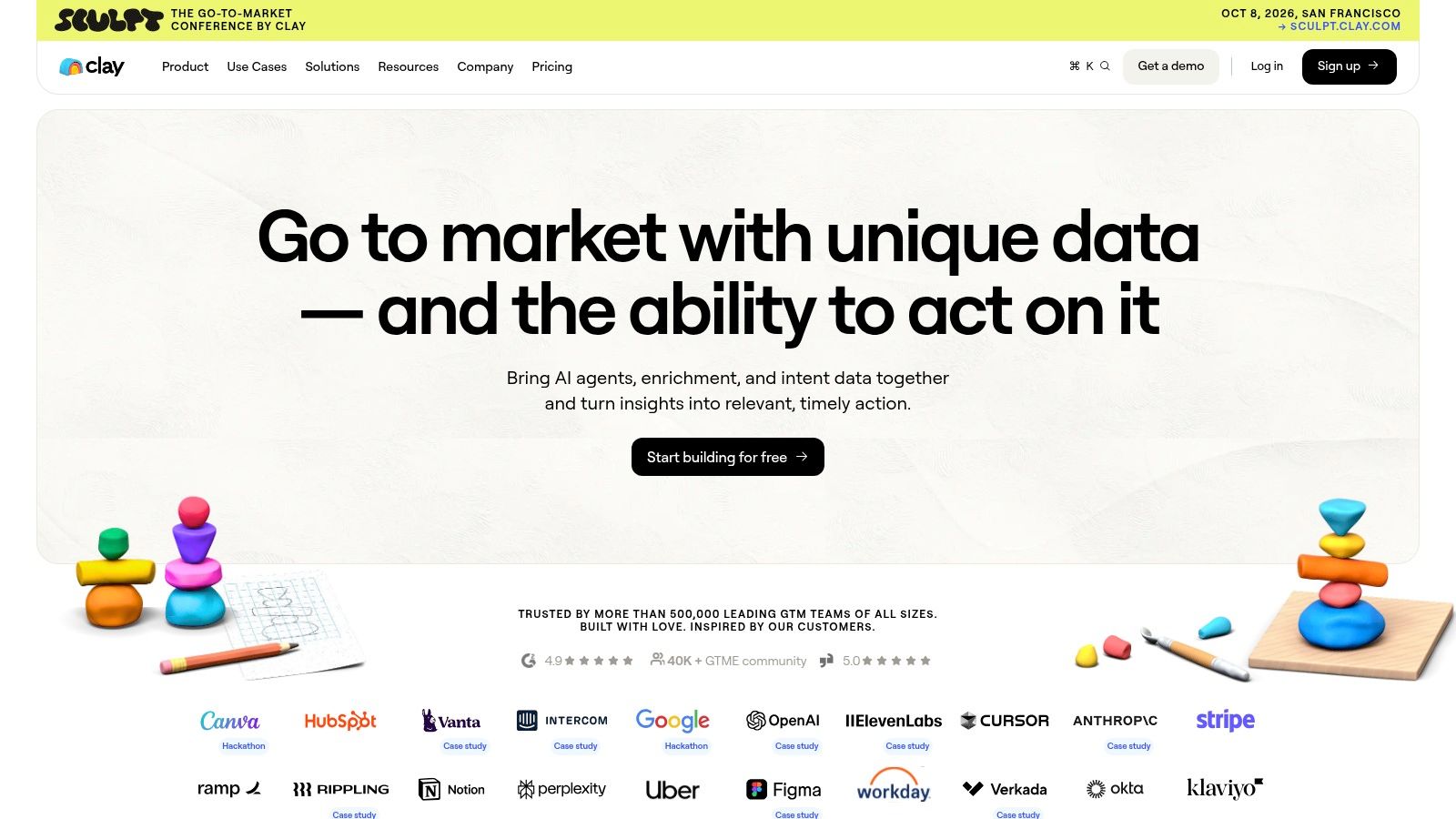
Clay isn't just another database. It's a prospecting workbench. That's why sales ops and growth teams love it, and why some rep teams find it intimidating. The product is designed to combine multiple data sources, AI steps, and public web inputs into custom workflows.
If your team thinks in systems, Clay is powerful. If your team wants one-click prospecting with minimal setup, it can feel like too much tool.
Why ops teams like it
Clay's best use case is waterfall enrichment and custom workflow design. That's an important shift in the market. Recent RevOps guidance increasingly recommends checking multiple providers in sequence instead of expecting one platform to solve everything, and that broader waterfall enrichment trend is highlighted in this 2026 RevOps tool-stack guide.
That's exactly where Clay shines. You can orchestrate provider order, enrich records programmatically, and layer AI research or personalization steps without rebuilding the whole stack.
- Best for: GTM ops teams, agencies, and advanced outbound programs with custom workflows.
- Harder for: Teams without an operator who can own setup, QA, and ongoing maintenance.
Clay is rarely the cheapest tool if you ignore operating complexity. It can be one of the smartest purchases if you have the team to use it well.
Website: Clay
9. UpLead
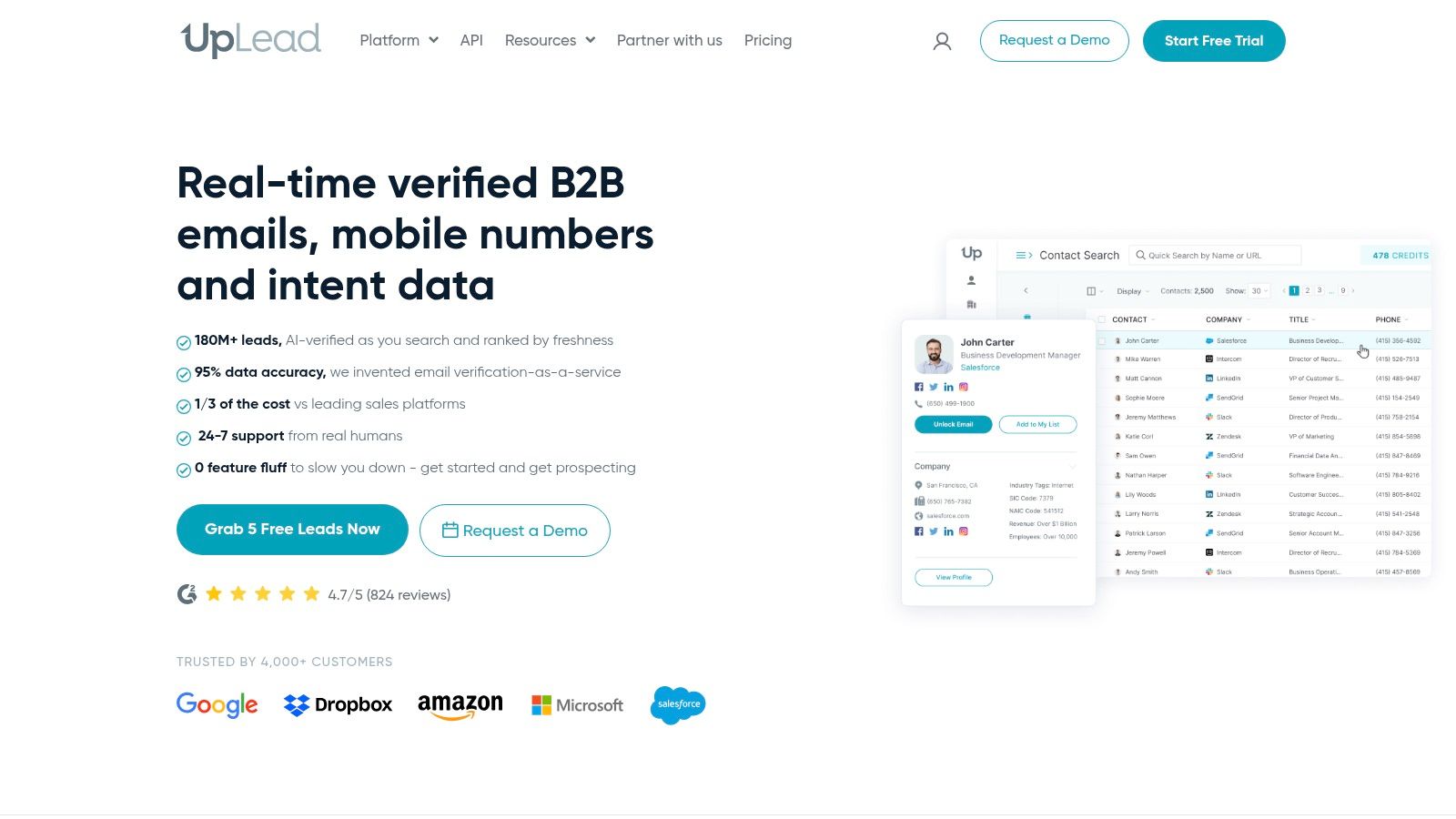
A common buying scenario looks like this. The team already has an outreach tool, a CRM, and a rep workflow that sort of works. What they do not have is confidence that the contact data going into that system is clean enough to trust. UpLead appeals to that buyer because it stays focused on data access and verification instead of trying to sell a full prospecting stack in one contract.
That focus matters. UpLead is usually a better fit for SMB and mid-market teams that want predictable pricing, self-serve setup, and a short evaluation cycle. You can test a segment, compare match rates against your ICP, and decide fast whether it clears the bar.
Best use case
UpLead fits the Enrichment layer of a prospecting stack. Pair it with a Discovery tool like Sales Navigator, or with an all-in-one platform that needs a second source for contact validation, and it can do a useful job without adding much process overhead. Teams that already know how they want reps to prospect often prefer that narrower role.
The trade-off is coverage depth. In broad mid-market territory it can be perfectly workable. In niche industries, international segments, or org charts with a lot of role ambiguity, teams may run into thinner data than they would with larger vendors or specialist providers like Icypeas.
I would shortlist UpLead when the buying criteria are simple. Verified emails, direct dials, technographics, and CRM syncs. I would not shortlist it if the team needs intent data, advanced workflow automation, or a system that can serve as the center of the whole outbound motion.
Website: UpLead
10. LeadIQ
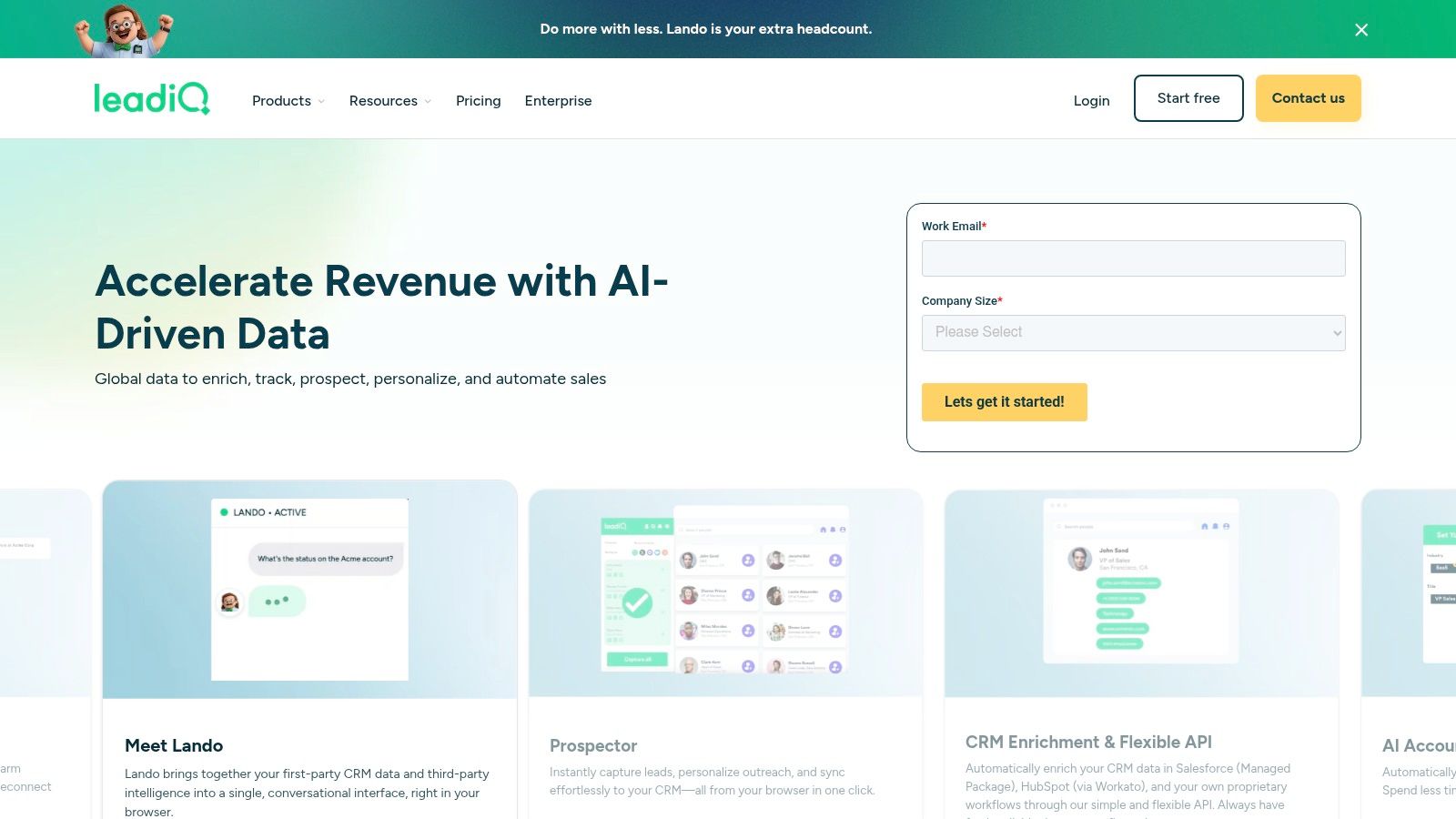
LeadIQ is one of the better companion tools on this list. It's not trying to be your whole sales data world. It's trying to help reps capture contacts, enrich records, track job changes, and move clean data into CRM and outreach systems with less admin overhead.
That focus makes it especially useful next to Sales Navigator. Reps can research in LinkedIn, capture the right contact, enrich the record, and trigger follow-up without as much copy-paste work.
Where it works best
LeadIQ is strongest in teams that need a prospecting and capture layer, not a full data suite. Job-change tracking is particularly useful when your motion depends on re-engaging former champions or jumping on account movement quickly.
The market is also shifting in LeadIQ's favor because AI-assisted prospecting is now common in frontline workflows. One 2026 meta-analysis reports that 87% of sales organizations use AI for prospecting, forecasting, lead scoring, or email drafting. LeadIQ's AI writing and workflow support fit naturally into that environment.
- Useful for: Sales Navigator users, CRM hygiene, rep-level prospect capture, and job-change follow-up.
- Less useful for: Teams looking for a standalone outreach platform or a massive all-in-one database.
Website: LeadIQ
Top 10 B2B Sales Prospecting Tools Comparison
| Product | Core features | Accuracy / Deliverability (★) | Price / Value (💰) | Target audience (👥) | Unique selling points (✨) |
|---|---|---|---|---|---|
| Icypeas 🏆 | Email Finder, Strict Verifier, Reverse Lookup, 575M lead DB, API | ★★★★★ strict low-bounce + Google/MS catch-all | 💰 Very cost‑efficient; pay-as-you-go, credits never expire | 👥 Growth teams, builders, SDRs, devs | ✨ ISO27001 & GDPR/CCPA, 99.9% uptime, dev-friendly API |
| Apollo.io | Contact & company DB, sequences, dialer, chrome ext, API | ★★★★☆ good coverage; varies by region | 💰 Accessible entry; credit complexity | 👥 SMB SDR teams & generalist GTM teams | ✨ All-in-one discovery + multichannel engagement |
| ZoomInfo SalesOS | Deep firmographics, technographics, intent, RevOps integrations | ★★★★★ enterprise-grade coverage & signals | 💰 Premium enterprise pricing; complex contracts | 👥 Mid-market & enterprise RevOps teams | ✨ Rich intent signals & broad GTM add-on ecosystem |
| LinkedIn Sales Navigator | Advanced lead/account search, alerts, CRM sync | ★★★★☆ best for live LinkedIn signals | 💰 Subscription model; not built for bulk exports | 👥 Reps focused on LinkedIn-driven prospecting | ✨ Live activity & relationship mapping from LinkedIn graph |
| Cognism | Phone-verified mobiles, DNC/TPS screening, global enrichment | ★★★★☆ strong phone verification & compliance | 💰 Premium pricing for verified phone data | 👥 Phone-led outbound teams & compliance-sensitive programs | ✨ Diamond Data mobile numbers; DNC/Do Not Call controls |
| Lusha | One-click extension reveals, CRM enrichment, API | ★★★☆☆ fast reveal experience; quality can vary | 💰 Tiered self-serve; credit/seat economics | 👥 Reps prospecting in browser/LinkedIn | ✨ Intuitive Chrome extension for instant contact reveals |
| Seamless.AI | Email & phone discovery, extension, bulk enrichment | ★★★☆☆ broad reach; mixed quality reports | 💰 Competitive but often sales-led quotes | 👥 Teams needing volume email + phone discovery | ✨ Quick list building and web-based discovery at scale |
| Clay | Visual workflows, multi-source enrichment, AI steps | ★★★★☆ depends on chained sources & config | 💰 Credits + action pricing; can reduce TCO | 👥 Ops-savvy GTM teams & automation builders | ✨ Orchestrate multiple providers with visual AI workflows |
| UpLead | Verified emails, mobile dials, technographics, ext | ★★★★☆ real-time verification guarantee | 💰 Transparent self-serve pricing; trial available | 👥 US SMB & mid-market teams | ✨ Clear accuracy guarantees and easy trial onboarding |
| LeadIQ | Capture tool + chrome ext, verified contacts, job-change alerts, AI writer | ★★★★☆ reliable capture & refreshes | 💰 Straightforward pricing; 30-day trial | 👥 Reps pairing Sales Navigator with CRM workflows | ✨ Job-change tracking + AI first-touch message writer |
Build a Smarter Stack, Not a Bigger One
A rep pulls 150 contacts into a sequence on Monday. By Thursday, reply rates are flat, bounce rates are up, and half the list is missing direct dials or current titles. That usually is not a rep effort problem. It is a stack design problem.
Prospecting tools do different jobs, and teams get better results when they buy for the job instead of chasing the platform with the longest feature list. Sales Navigator is strong for discovery and account movement. Icypeas fits the enrichment layer when verified emails, phone data, and data quality checks matter. Apollo can cover a lot in one system for teams that want speed over specialization. Clay works well when ops needs to route records through multiple data sources and custom logic. ZoomInfo can justify its cost when enterprise coverage, intent signals, and deeper integrations are utilized.
The practical question is simple. Which part of the workflow is failing right now?
If reps struggle to find the right people, fix discovery. If deliverability is slipping, fix enrichment and verification. If the team is exporting CSVs, cleaning fields by hand, and re-uploading lists into the sequencer, fix workflow design before buying more data.
That stack view matters more now because prospecting teams are adding more signals, more vendors, and more moving parts. Analysts at Spherical Insights project the B2B buyer intent data tool market will grow from USD 3.30 billion in 2024 to USD 17.95 billion by 2035. More signal does not automatically produce more pipeline. Clean inputs, clear ownership, and a workflow reps will follow still matter more.
A practical stack usually has three layers:
- Discovery: Sales Navigator, Apollo, or ZoomInfo, based on your segment, coverage needs, and budget
- Enrichment: A specialist such as Icypeas, especially when verified contact data and lower bounce risk matter
- Execution: CRM, sequencer, and an orchestration tool like Clay if you need custom routing, waterfall enrichment, or trigger-based updates
This setup gives teams better control over cost and data quality. It also makes troubleshooting easier. If meetings drop, sales ops can inspect the weak layer instead of arguing about an all-in-one platform no one has configured properly.
I have seen this work well in mid-market outbound. Reps use Sales Navigator to build account and persona lists, ops pushes those records through Icypeas for enrichment and verification, and only clean contacts sync into outreach. That reduces wasted touches, protects sender reputation, and keeps reps focused on live prospects instead of list cleanup.
Digital selling also changes the tool mix. Buyers research before they respond, and reps need systems that connect account discovery, contact validation, and timing signals without forcing manual work between each step. Social discovery, verified data, and clean handoff into outreach now sit in the same operating motion, even if they come from different vendors.
The buying principle stays the same. Buy the tool that removes the next bottleneck, then connect it to the rest of the stack with clear rules.
If you're also reviewing funnel infrastructure beyond prospecting, this guide to Double My Leads on funnel tools is a useful adjacent read.
If your team is tired of guessing whether a record is usable, Icypeas is worth testing as the enrichment layer in your stack. It's a strong fit when you need reliable email discovery, strict verification, flexible credits, and an API your ops or product team can build around.



























































.png)


.webp)