.avif)
10 Reverse Email Lookup Free No Sign Up Tools for 2026


.avif)
An unfamiliar email lands in your inbox right before a meeting. Maybe it's a lead using a personal address. Maybe it's a vendor contact whose company name sounds real enough. Maybe it's a recruiter, a journalist, or someone claiming to be “following up” on a thread you never started. You want context fast, and you don't want to create another account just to run one search.
That's why reverse email lookup free no sign up tools still matter. They're the fastest way to turn a bare email address into something usable, whether that's a name, a company, a social profile, or a risk signal. The catch is that “free” usually means one of three things: lightweight OSINT, a business-email preview, or a public-records teaser that pushes you toward a paid report. Mailmeteor's own positioning makes that trade-off plain. It says the tool is “completely free,” with “No sign-up or credit card required,” and returns structured professional data in seconds for quick checks rather than large-scale workflows, as noted on Mailmeteor's reverse email lookup page.
That distinction matters if you're checking a single inbound lead versus building a repeatable sales or compliance workflow. If privacy matters on your side too, it's worth understanding how your own tools handle data. You can review Donely's privacy terms before you start leaning on any enrichment workflow.
Table of Contents
1. Hunter – Reverse Email Lookup
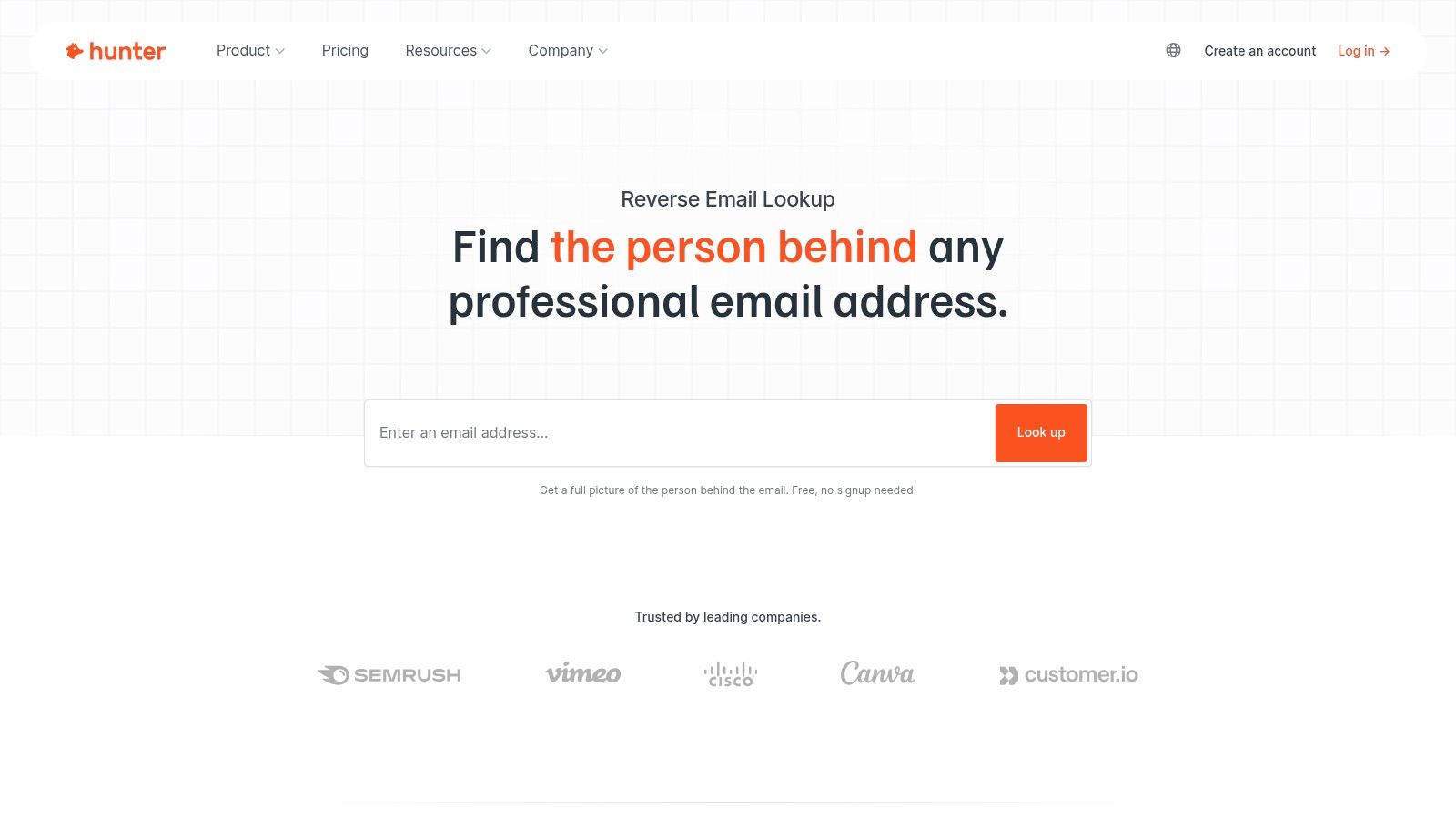
A common first-pass review starts like this. You get an email from a company domain you do not recognize, and you need to decide whether it belongs to a real employee, a vendor, or a low-quality outbound sender. Hunter is built for that exact B2B use case.
Hunter performs best on professional email addresses tied to real company domains. It can surface the person's name, employer context, role, location, and occasionally social profiles. That makes it more useful than broad people-search directories when the job is sales qualification, partnership vetting, or checking whether an inbound contact looks legitimate.
Its limits matter just as much. Hunter is a B2B data tool, not a general identity finder. If the address is a Gmail, Yahoo, or another personal inbox, results are often thin or absent. Free access also works as a trial of the workflow, not a long-term operating model for teams that run frequent lookups.
Where Hunter fits best
Hunter makes sense when you have a business email and want structured output instead of scattered OSINT clues. In practice, that usually means use cases like:
- Inbound lead triage: Check whether a reply from a corporate domain maps to a real employee and company.
- Sales research: Get business context you can use in CRM notes or account review.
- Vendor and partner checks: Confirm whether an address appears connected to the organization it claims to represent.
Practical rule: Use Hunter for work emails. Skip it for personal inboxes unless you only need a very light signal.
This also shows the distinct difference between free reverse email lookup tools. Some pull from OSINT traces. Some, like Hunter, focus on B2B contact data. Others rely on public-records-style aggregation. If you only need a quick answer on one business address, Hunter is often enough. If you need repeatable enrichment, compliance controls, and broader coverage across business use cases, free tools stop being efficient very quickly.
For a lighter browser-based check, you can compare it with Icypeas reverse email lookup.
Visit Hunter reverse email lookup.
2. Have I Been Pwned (HIBP)
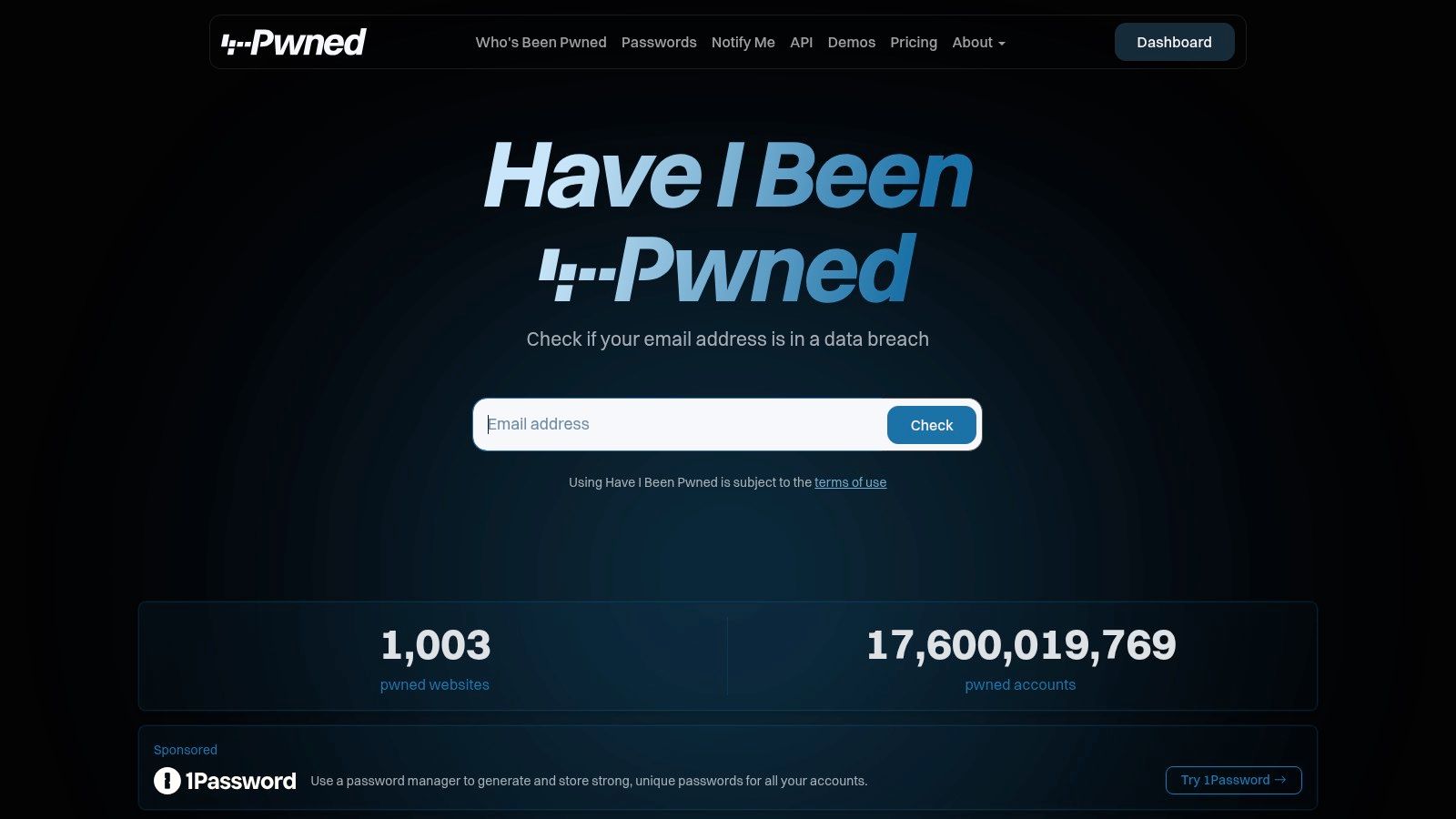
Not every reverse lookup needs to identify the human behind the address. Sometimes you only need to know whether the email has shown up in breach data, because that alone changes how much trust you put in the sender. That's where Have I Been Pwned is useful.
HIBP doesn't act like a traditional identity-resolution tool. It gives you exposure context. If the address appears in known breaches, you've learned something concrete about the account's digital footprint, even if you still don't know the person's full profile.
What it does better than lookup directories
HIBP is one of the fastest no-signup checks on the web because it answers a narrow question well. Has this email surfaced in breach-related datasets that are queryable through the platform? For fraud review, phishing triage, and inbound vetting, that's often enough to push the next action.
What it won't do is return the owner's employer, title, or LinkedIn-style context. That limitation isn't a flaw. It's the point. HIBP is a security signal, not a contact-enrichment engine.
Use it when you need to assess risk:
- Suspicious outreach: A sender claims authority, but the address has messy exposure history.
- Account review: You're checking whether a sign-up email has been broadly reused.
- Cross-checking: Another tool returns a name, and HIBP helps you judge whether the address looks stable or compromised.
A breach check can validate concern without validating identity.
Visit Have I Been Pwned.
3. Gravatar – Profile/Avatar Check
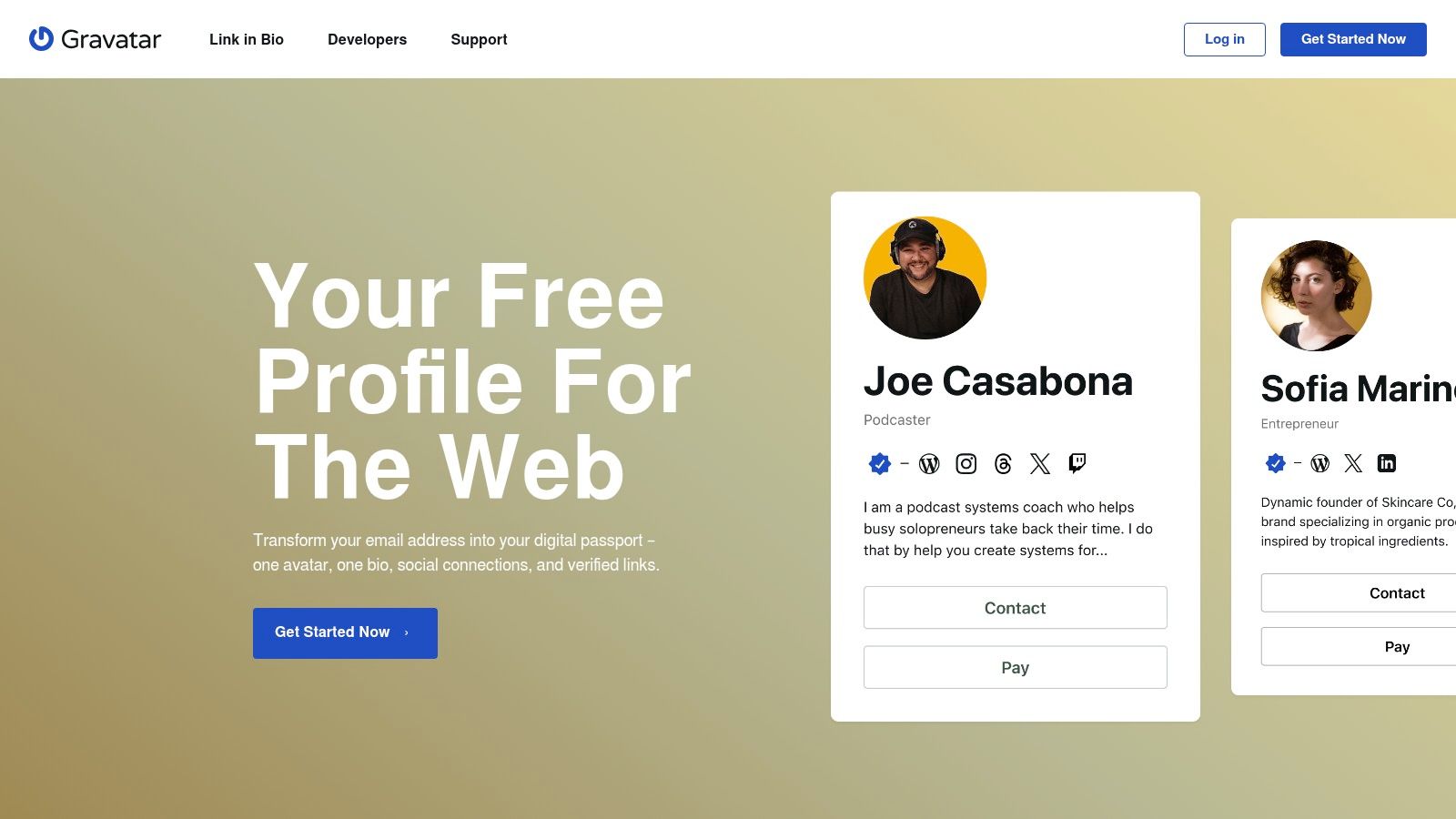
Gravatar is one of those old-web utilities that still earns a place in a modern OSINT workflow. It won't give you a full reverse email dossier, but when it hits, it can surface a public avatar, display name, or profile signal tied to the address.
That makes it useful for lightweight validation. If you're looking at a founder, developer, writer, or long-time internet user, a Gravatar match can reinforce that the email belongs to a real person with a consistent public identity.
Why it still belongs in the toolkit
Gravatar is best treated as a secondary lookup, not your starting point. It's fast, free to query publicly, and useful when you want a visual or naming clue without signing up. That's especially handy when you're dealing with a generic inbox but suspect the person has used the same email across blogs, WordPress sites, or public profiles.
Its limitations are obvious:
- Dependent on public setup: No profile, no result.
- Thin output: You may get only an avatar or basic profile clue.
- Not built for business workflows: There's no serious free-scale enrichment angle here.
Still, it's one of the cleaner examples of OSINT-style reverse email lookup free no sign up behavior. No theatrics, no fake “deep scan” language, just a public identity layer if the user enabled it.
Visit Gravatar.
4. UserSearch.org – Free OSINT Hub
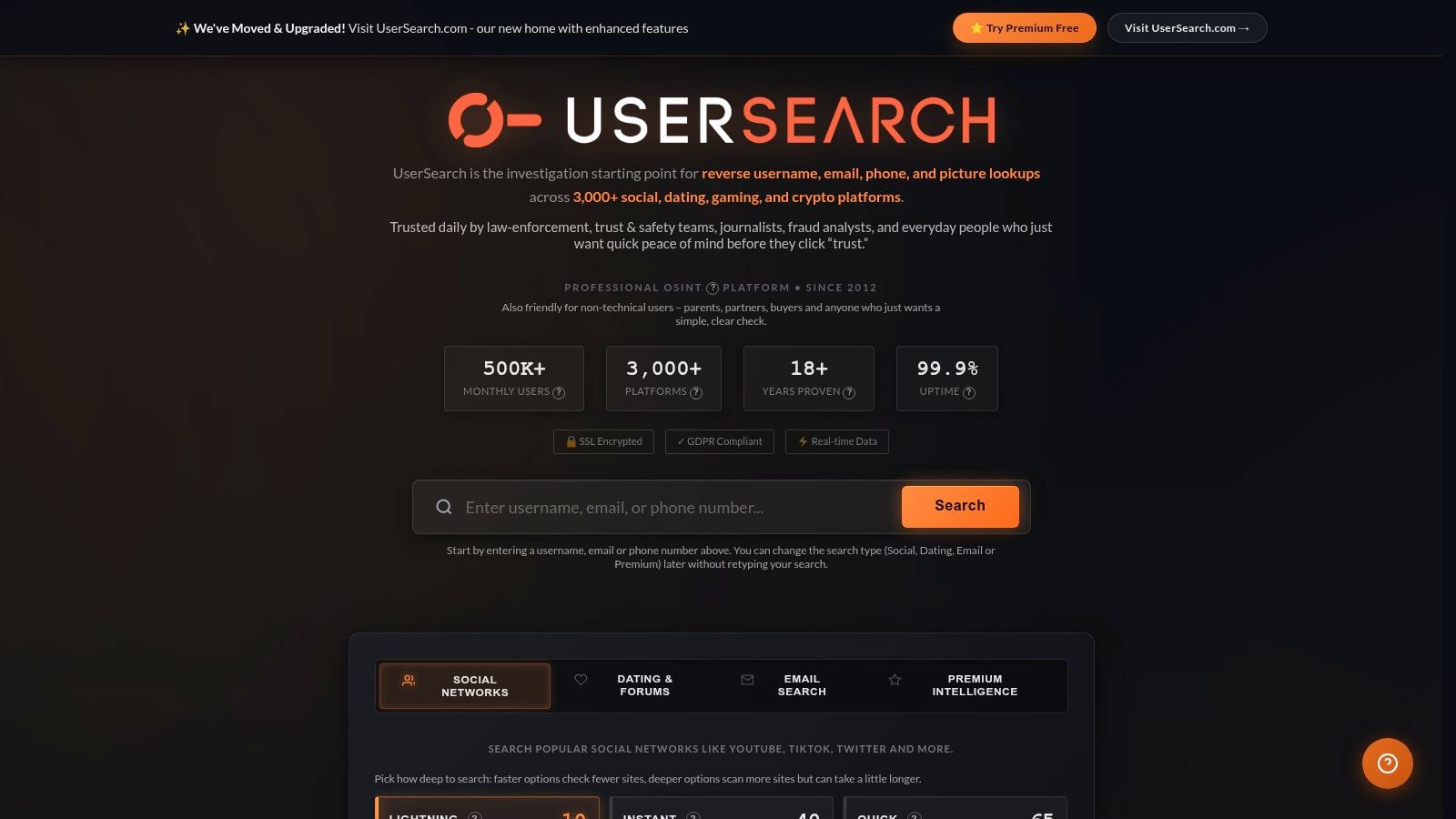
UserSearch.org is what people reach for when a single-tool lookup comes back thin and they want pivots. It sits more in the OSINT hub category than the polished SaaS category. That's good if you know what you're doing, and messy if you expect a neat answer card.
Instead of pretending every email can be resolved into one tidy identity, UserSearch leans into public traces. Email, username, and phone pivots can all feed each other. That often produces better investigative context than a one-box “reverse email” tool with weak coverage.
Best for multi-step digging
This is the tool I'd use when the first lookup gives me fragments. Maybe I have an email and a partial username. Maybe I suspect the sender reuses handles across communities. Maybe I need to trace social presence rather than verify a sales lead.
UserSearch works because it encourages lateral movement:
- Email to username: Useful when an address itself reveals nothing.
- Username to socials: Better for personal or pseudonymous accounts.
- Context over certainty: Strong for investigations, weaker for CRM-grade records.
That also means the output quality varies a lot. Some searches uncover useful breadcrumbs quickly. Others send you into dead ends or route you toward newer paid properties for deeper checks.
When free tools work, they usually work by helping you pivot, not by handing you a perfect answer on the first try.
Visit UserSearch.org.
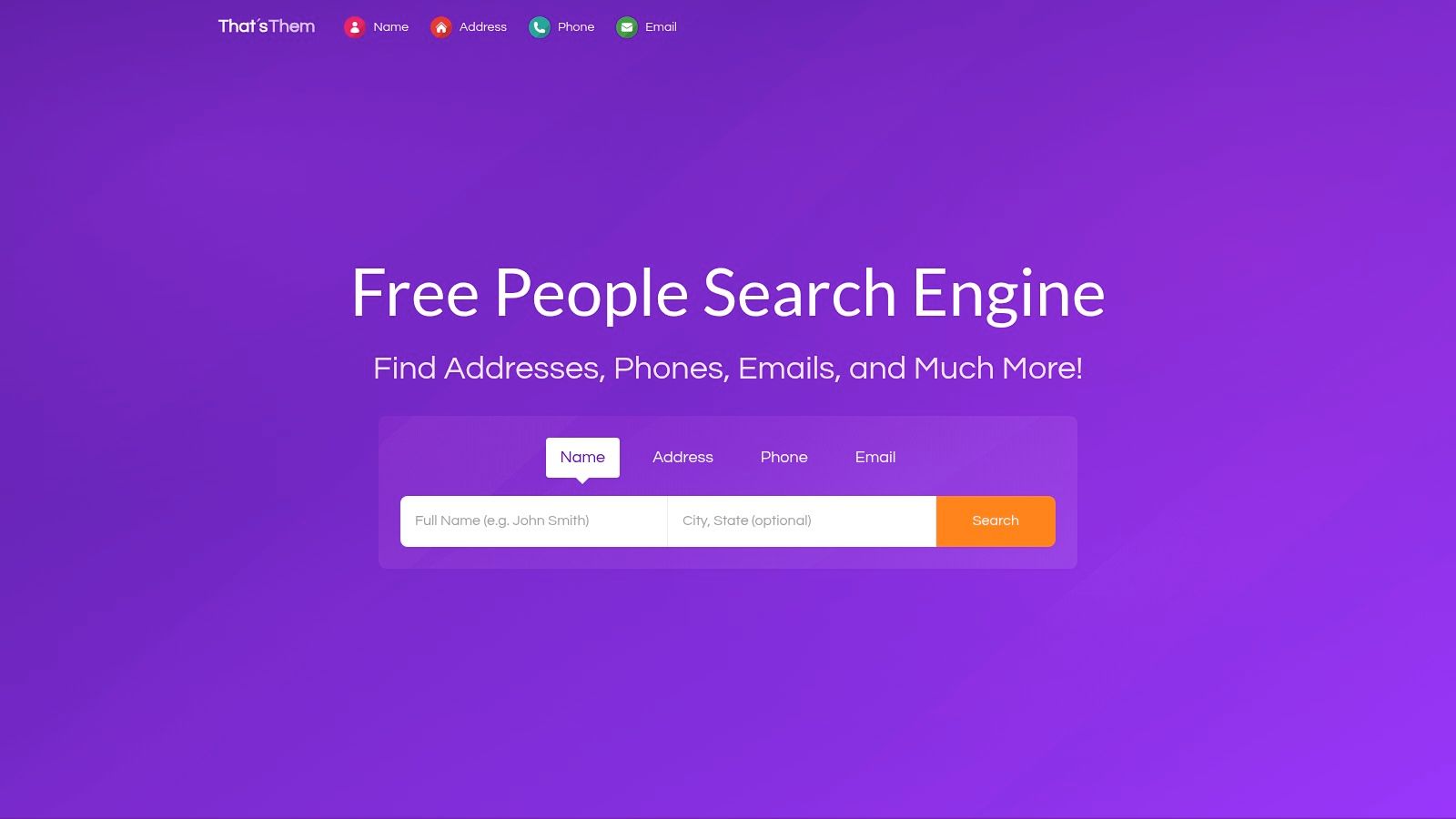
5. That'sThem – Reverse Email Lookup
You get an email from a personal address, the sender gives little context, and the usual B2B tools return nothing useful. That is the kind of search where That'sThem can still surface a clue, especially if the address belongs to someone in the US and has been tied to public-records-style data.
That'sThem belongs in the public records bucket, not the OSINT hub bucket and not the business enrichment bucket. The distinction matters because the result set tends to skew toward consumer identity signals such as name, age range, or location, rather than job title, company data, or buying intent.
Useful for consumer-side clues, weak for professional workflows
In practice, I treat That'sThem as a corroboration tool. If a Gmail or Yahoo address may belong to a real person in the US, you might get enough to confirm that the sender is plausible. If you are trying to identify a B2B prospect, qualify a lead, or feed records into a sales workflow, this category usually falls short.
The trade-off is simple:
- Works best for: US-based personal emails, basic identity checks, rough name and location matching
- Usually weak for: company lookups, international coverage, repeatable team workflows
- Main risk: privacy concerns and stale records, which can create false confidence if you treat the preview as verified fact
That last point gets missed a lot. A public-records-style match is not the same thing as a verified business identity. If you need cleaner decision-making, start with a process that separates identification from validation, such as email verification and deliverability checks, then move to a compliant enrichment platform when the use case is professional.
For free, no-sign-up searching, That'sThem earns a place as a fallback. It can help with personal-address checks. It is rarely the right primary tool for business use.
Visit That'sThem reverse email lookup.
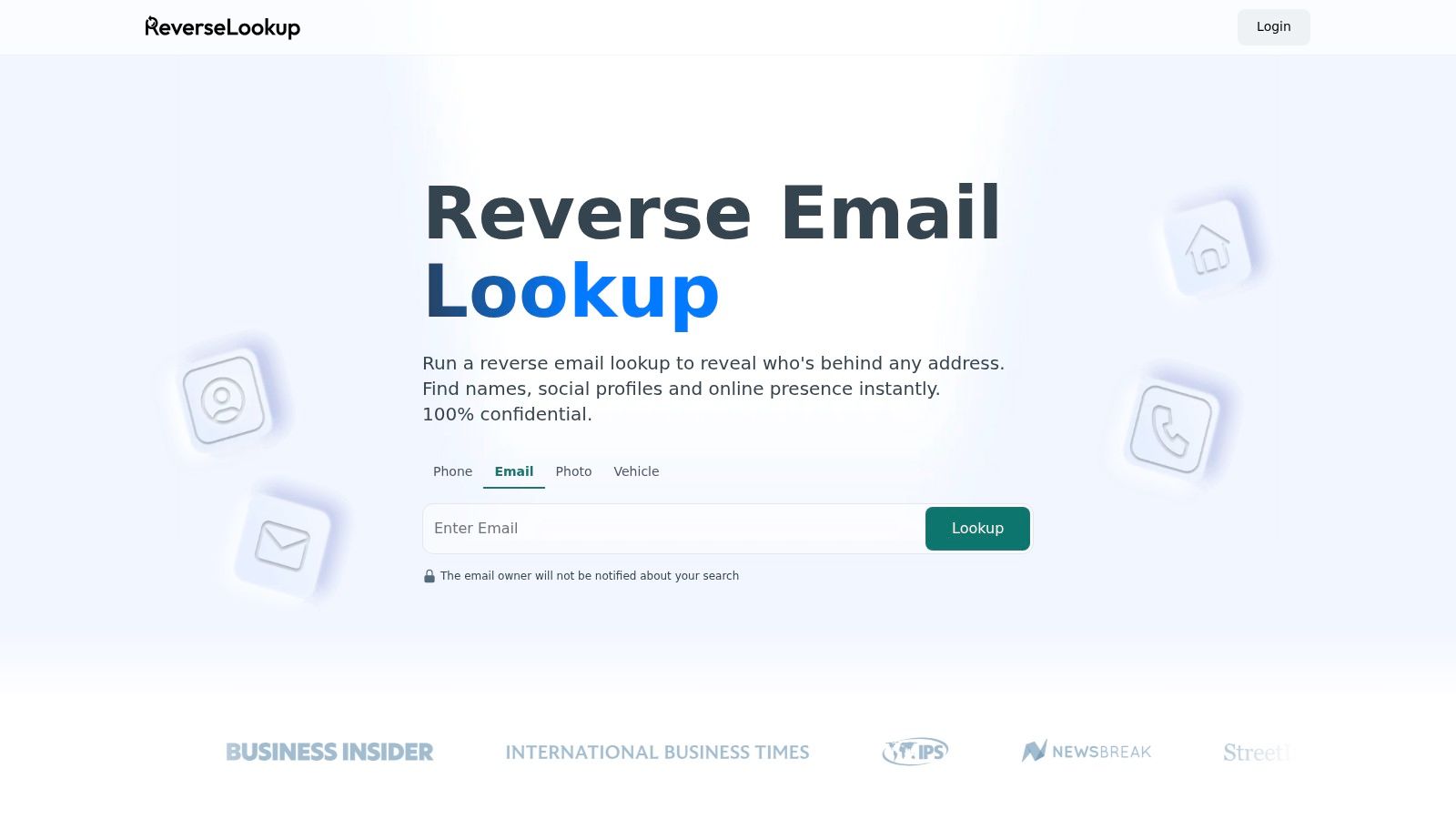
6. ReverseLookup.com – Reverse Email Lookup
ReverseLookup.com is built for mainstream users, not OSINT specialists. You can tell from the way it explains the search process and frames what an email lookup may reveal. That makes it approachable if you're helping a non-technical teammate check a sender, but it also means the experience often leads toward paid detail rather than fully free resolution.
The practical use case is simple. You have an address, you want a quick public-records-style pass, and you don't want to explain breach pivots or avatar hashes to someone on your team.
Better for guided searches than deep enrichment
What ReverseLookup.com does well is context-setting. It tells users what the tool checks and why certain results appear. That reduces confusion for people who expect a reverse email search to behave like a magic identity button.
What it doesn't do well is replace a professional enrichment product. If you need structured records, repeatable workflows, or higher-confidence business identity resolution, you'll outgrow this type of site quickly. For a broader market view, it helps to compare categories using this roundup of reverse email lookup tools.
Use ReverseLookup.com when:
- You need a simple start: A non-technical user can run it without training.
- You're checking US-oriented public traces: That's where these tools usually have the most context.
- You don't need scale: Paid reports and funnel flows make it a poor fit for recurring business use.
Visit ReverseLookup.com email lookup.
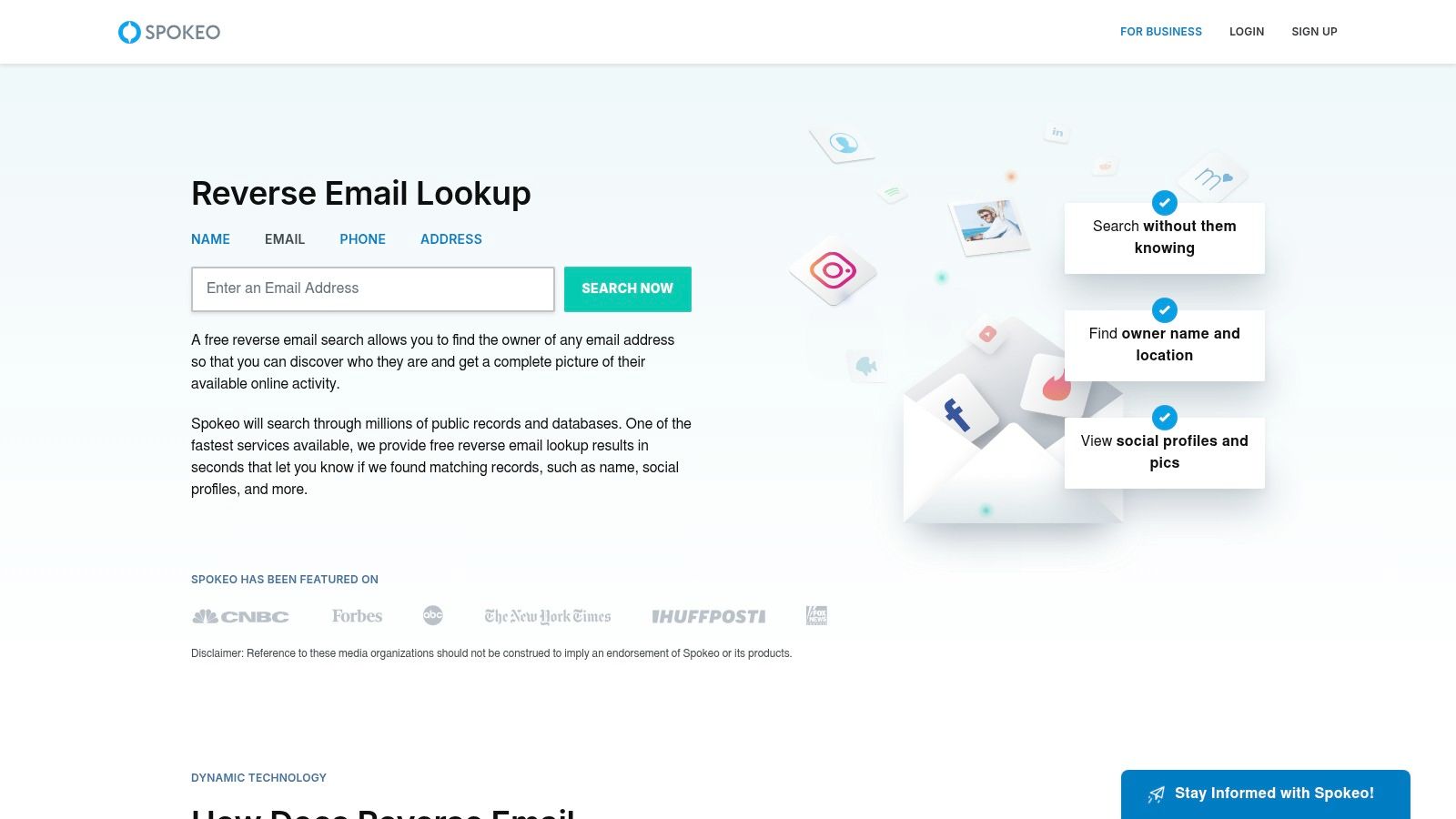
7. Spokeo – Reverse Email Lookup (free preview)
Spokeo is one of the most recognizable names in consumer people search, and that reputation matters because expectations are usually clearer. People use it for preview-level identity clues, not for clean B2B enrichment. If the target is a personal address with a US footprint, Spokeo may show enough to confirm whether further digging is worth it.
For business-email research, I'd rarely start here. For consumer identity context, it's much more relevant.
Where preview tools help and where they fail
Spokeo's free preview model is useful when all you need is a directional signal. A likely name. A geographic clue. A hint that the address maps to a real consumer identity. That's enough for scam screening, dating-safety checks, or basic corroboration.
The failure mode is common with this whole category. Preview data can tempt users into treating an unverified identity association as settled fact. That's a mistake. Preview tools should start a verification process, not end it. If you're doing outreach or list hygiene, the next step is still deliverability and validation, which is where understanding what email verification actually does becomes more important than another identity teaser.
A practical way to think about Spokeo:
- Useful for: US personal addresses and early-stage identity clues.
- Less useful for: Work-email enrichment and operational sales research.
- Common issue: Historical or aggregated data can be stale.
Visit Spokeo email search.
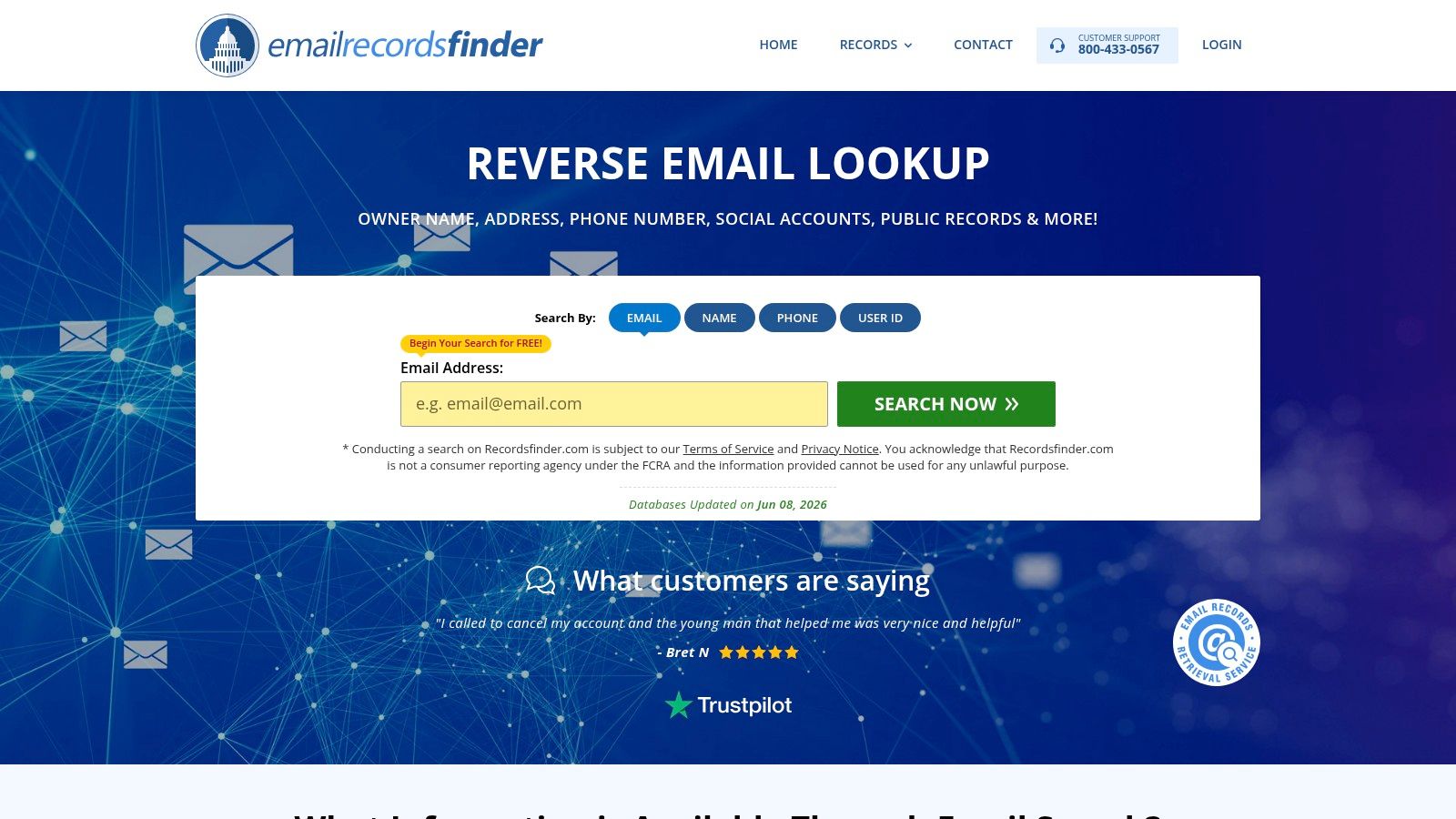
8. RecordsFinder – Reverse Email Lookup
RecordsFinder belongs to the public-records branch of this market. The pitch is straightforward. Start with an email, look for owner signals, then branch into broader background or identity context if needed. That's not the same job as a B2B reverse lookup engine, and it shouldn't be judged by the same criteria.
If you're trying to identify whether a personal email connects to public-records-style traces, RecordsFinder is a reasonable starting point. If you need company, title, and social links for a buyer at a software firm, it's the wrong category.
Best used with low expectations
The best way to use RecordsFinder is to keep the search objective narrow. You're not trying to build a contact record. You're testing whether the email leaves a public footprint strong enough to justify a deeper review.
That means results can be uneven:
- Older addresses: More likely to have a broader trail.
- Private or newer emails: Often thin or empty.
- US-centric lookups: Usually the most plausible fit.
RecordsFinder also does a decent job of explaining what an email search can reveal. That's helpful for legal, admin, or ops staff who need a lightweight check but don't want a full OSINT workflow.
Visit RecordsFinder email lookup.
9. SearchPeopleDirectory – Reverse Email Search (US)
SearchPeopleDirectory is a directory-style aggregator, which means it's less about elegant search quality and more about assembling enough category hints to point you somewhere useful. You can start with an email and sometimes get age bands, relatives, or related background-style fields routed through the site's broader network.
That makes it a corroboration tool more than a primary lookup engine. I'd use it after another source has already suggested an identity and I want to see whether public directory data loosely supports the match.
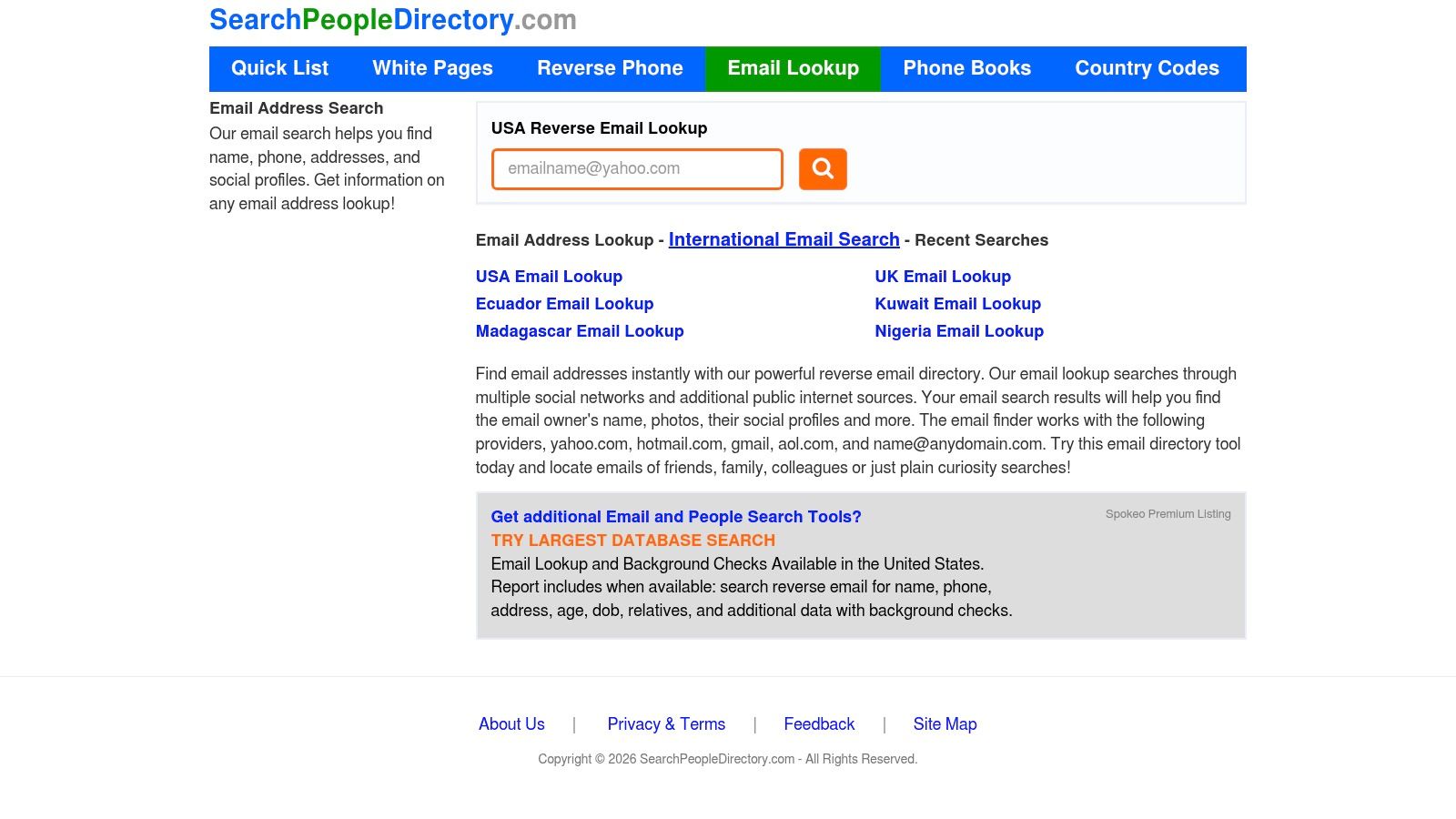
A directory, not a precision instrument
This is one of those tools where user intent matters more than interface polish. If you expect precision, you'll be disappointed. If you expect a rough public-records breadcrumb trail, it can still help.
The limits are predictable:
- Partner funnels: Detailed reports often sit behind other services.
- Variable quality: Aggregator experiences change based on partner data.
- US orientation: Stronger for domestic consumer traces than international identities.
SearchPeopleDirectory fits a narrow slice of reverse email lookup free no sign up demand. It's for users who want a quick no-account search on a personal address and understand that the result may be partial, indirect, or commercially routed.
Visit SearchPeopleDirectory email lookup.
10. Epieos – Email OSINT
You have an email address, no name, and no company context. A standard reverse lookup may return nothing useful. Epieos is one of the few free tools in this list that can still produce investigative clues from that thin starting point.
It sits firmly in the OSINT category, not the public-records or B2B enrichment category. That distinction matters. Epieos is better at finding traces of account usage and service associations than producing a polished identity record you can drop into a CRM or case file.
A current screenshot helps set expectations.
Useful for investigation, less useful for operations
The free layer can surface meaningful signals. In practice, those signals are often fragments. You may get clues about where an address is present online, which is valuable for research, fraud triage, or attribution work.
That also explains the trade-off.
Epieos is strongest when the goal is to investigate a single address and build a picture manually. It is weaker when a team needs repeatable output, high query volume, or records formatted for support, sales, or compliance workflows. Free OSINT tools rarely solve that second job well.
What Epieos does well:
- Service-level clues: It can reveal where an email appears to be tied to online accounts or platforms.
- Manual investigations: Useful for journalists, analysts, and security researchers working one case at a time.
- Signal gathering: Good for collecting hints you can verify elsewhere.
Where it falls short:
- Workflow fit: The output often needs interpretation before a business team can use it.
- Repeat usage: Heavier use usually runs into account, quota, or paid-plan limits.
- Business-grade enrichment: It does not replace a compliant B2B data provider when you need validated professional data at scale.
That is the broader truth behind "reverse email lookup free no sign up." Free tools help with triage. Professional use cases usually need cleaner sourcing, clearer permissions, and structured results. If your job is sales prospecting, vendor screening, or customer verification at volume, an OSINT tool like Epieos is a starting point, not the finished system.
For teams that also operate in security-sensitive environments, external testing discipline matters too. That includes practices like external pentesting for regulatory compliance, especially if identity resolution feeds account access, fraud review, or customer verification processes.
Visit Epieos.
Top 10 Free No-Sign-Up Reverse Email Lookup Comparison
| Tool | Core capability | Quality (★) | Unique strength (✨) | Target audience (👥) | Pricing (💰) |
|---|---|---|---|---|---|
| Hunter – Reverse Email Lookup | Resolve work email → person profile, social links, API | ★★★★☆ | ✨ Reliable professional email mapping; developer APIs | 👥 Sales, recruiters, growth teams | 💰 Freemium, free single lookups; paid for bulk/API |
| Have I Been Pwned (HIBP) | Breach/exposure check for emails & domains | ★★★★☆ | ✨ Instant breach signal; trusted dataset; domain monitoring option | 👥 Security teams, risk analysts, individuals | 💰 Free (paid monitoring options) |
| Gravatar – Profile/Avatar Check | Resolve email → avatar/profile metadata via MD5 | ★★★☆☆ | ✨ Surfaces consistent avatar/handle instantly | 👥 Developers, community managers, UX teams | 💰 Free |
| UserSearch.org – Free OSINT Hub | Multi-site pivots for email/username/phone + guides | ★★★☆☆ | ✨ Quick multi-source pivots with no signup; social tracing guides | 👥 OSINT hobbyists, investigators, researchers | 💰 Free core; some premium properties |
| That'sThem – Reverse Email Lookup | US-focused people-search reverse lookup with previews | ★★☆☆☆ | ✨ Free preview of basic identity signals (name, location) | 👥 Consumer investigators, US researchers | 💰 💰 Free preview → paid reports |
| ReverseLookup.com – Reverse Email Lookup | Email → public records & social footprints with guidance | ★★☆☆☆ | ✨ Explanatory context for non-OSINT users | 👥 General users seeking identity corroboration | 💰 Free entry; paid detailed reports |
| Spokeo – Reverse Email Lookup (free preview) | Aggregates public/commercial US data; reverse searches | ★★☆☆☆ | ✨ Broad US coverage and historical signals | 👥 Consumers, marketers (US-centric) | 💰 Free preview; paywalled reports/subscriptions |
| RecordsFinder – Reverse Email Lookup | Public-records–oriented reverse email & people search | ★★☆☆☆ | ✨ Straightforward public-records links and guidance | 👥 Background-checkers, US users | 💰 Free trial/preview; paid reports |
| SearchPeopleDirectory – Reverse Email Search (US) | Directory-style reverse email search with background fields | ★★☆☆☆ | ✨ Aggregates age/relatives/background categories quickly | 👥 US researchers, casual lookup users | 💰 Free lookup; funnels to paid partners |
| Epieos – Email OSINT | Modular email OSINT across many platforms; breach checks | ★★★★☆ | ✨ Purpose-built investigator toolset; module transparency | 👥 Investigators, security researchers | 💰 Freemium member tier; paid modules & API |
| Icypeas (context) | Email Finder, strict Email Verifier, Reverse Lookup, lead DB (575M profiles), People Scraper, developer API | ★★★★★ | ✨ High deliverability & accuracy, GDPR/CCPA compliant, ISO27001 hosting, flexible credits | 👥 Growth teams, builders, sales/marketing/product ops | 💰 Flexible credits; developer-friendly pricing (credits never expire) |
Final Thoughts
A reverse email lookup usually fails for one reason. The tool and the email type do not match.
These tools sit in three different buckets. OSINT tools trace public traces tied to an address. B2B tools try to resolve a work email into a company, role, or professional profile. Public-records and directory products work better on personal emails, especially in the US, where consumer data brokers have more coverage. If you use the wrong bucket, even a good tool looks weak.
Free, no-sign-up lookup tools still have a place. They are useful for triage, quick validation, and one-off checks where you just need a directional answer. They are much less useful when you need consistency across a team, clear sourcing, exportable results, or a process that holds up inside sales, recruiting, fraud review, or account research. In practice, free access is often a thin layer on top of a paid data product, with tighter limits, older records, or partial previews.
That trade-off matters. An investigator checking one suspicious address can tolerate gaps and dead ends. A growth team enriching hundreds of leads cannot. A security researcher may care more about public footprints and breach exposure than job titles. A RevOps team usually cares about verified work identity, coverage, and whether the data fits into the rest of the workflow.
That is why I treat free reverse email lookup as a filter, not a system.
For professional business use, a paid and compliant platform becomes the practical next step. Icypeas fits that use case because it focuses on work-email identity resolution, verification, and enrichment inside an operational workflow. That is a different job from consumer people-search sites and different again from pure OSINT tools. The point is not to replace every free tool. The point is to use the right layer for the job.
Use free tools to investigate, confirm, or rule out a lead. Use a professional platform when the result needs to be accurate, repeatable, and usable across sales, marketing, or product operations.
If you've moved past one-off checks and need professional email enrichment at scale, take a look at Icypeas. It's built for teams that need to find, verify, and enrich work-email identities in a workflow, not just run occasional manual lookups.

























































































.png)



.webp)