.avif)
7 Marketing Database Examples to Use in 2026


.avif)
If you hear “marketing database” and still picture one giant spreadsheet, you're already fighting the wrong problem. In practice, many organizations don't fail because they lack rows of data. They fail because the data they have is stale, scattered across tools, or impossible to activate without manual cleanup.
That shows up in familiar ways. Paid audiences don't match CRM segments. SDRs enrich records in one tool while marketing ops trusts another. Your dashboard reports CAC, ROI, conversion rates, and CLV, but the underlying records live in separate systems that don't agree with each other. Modern guidance on marketing dashboards reflects exactly that multi-system reality, with data pulled from CRMs, analytics platforms, advertising platforms, and website tools into one operating view via marketing analytics dashboards.
A marketing database, really, is the connected layer underneath all of that. It's the set of systems that stores, verifies, enriches, syncs, and exposes the customer and prospect data your team uses to segment audiences, route leads, personalize outreach, and measure pipeline.
The useful way to evaluate marketing database examples in 2026 is by function, not by logo. Some tools are best as foundational data sources. Some are all-in-one operating systems. Some are API-first building blocks for teams that want control. The right stack usually combines all three.
Table of Contents
1. Icypeas
Most marketing database examples focus on broad records. Names, companies, emails, job titles. That's fine until you try to run outbound, sync enriched leads into your CRM, or build audiences from records that haven't been verified in months. At that point, database quality matters more than database size.
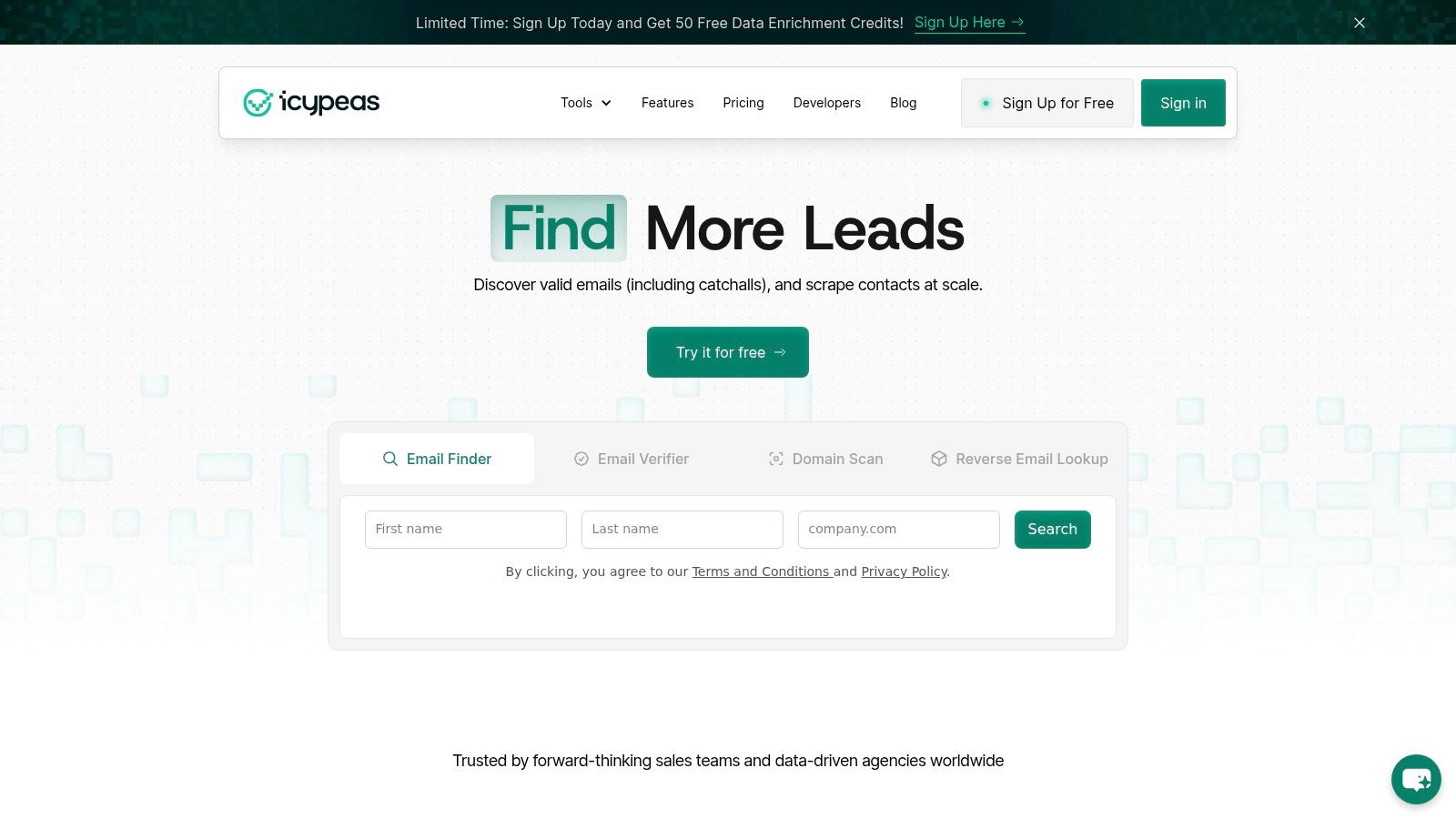
Icypeas is strongest when you treat the marketing database as a foundational data layer, not as a giant interface where every team lives all day. Its core job is simple: find, verify, and enrich professional contact data fast enough to support real workflows. That makes it a better fit for operators who care about deliverability, routing logic, and sync quality than for buyers who want one large sales suite.
Icypeas gives you an Email Finder, Email Verifier, Reverse Email Lookup, Domain Scan, People Scraper, and a lead database. The published company profile also states that Icypeas maintains 575M people profiles and 62M company profiles, updated monthly, with a developer-friendly API and ISO 27001 certified hosting. Because that information comes from the publisher, I treat it as useful product detail rather than independent category proof.
Why it fits the foundational layer
The practical advantage is specialization. If your team already uses a CRM, marketing automation platform, ad platform, and outbound sequencer, you don't need another bulky system trying to own the whole workflow. You need a clean source of person and company data that can feed the systems you already trust.
That's where Icypeas is a strong choice. Its strict verification focus helps protect sender reputation, and its reverse lookup and scraping tools make it easier to turn partial records into usable profiles. For teams building custom workflows, the API-first approach matters because enrichment only creates advantage when it can run inside forms, inbound routing, CRM hygiene jobs, and internal tooling.
A lot of teams also miss the bigger strategic point. In current database marketing guidance, the content gap isn't just “what fields should I store?” It's deciding which data is worth maintaining for the job at hand, especially when modern B2B execution depends on intent signals, multi-touch engagement, and cross-channel activation rather than static contact records alone, as discussed in this database marketing analysis. Icypeas fits that reality well because it's useful when recency and verification matter more than broad record hoarding.
Practical rule: Put specialist enrichment closest to the source of record creation. Form fills, imported lists, webinar signups, and outbound prospecting queues all benefit more from immediate verification than from annual database cleanup.
Where it works best
Icypeas works best for three setups:
- Outbound-heavy teams: You need reliable email discovery and strict validation before sequences go live.
- Marketing ops teams: You want to enrich inbound leads before scoring, routing, and segmentation.
- Product and data teams: You need enrichment inside your own apps or workflows through an API.
It's less ideal if you want one interface for prospecting, sequencing, calling, pipeline management, and reporting. That isn't a weakness. It's the trade-off you make when you buy a specialist.
If you're evaluating specialist enrichment software against broader platforms, this breakdown of marketing database software categories is worth reviewing before you commit to an all-in-one stack.
The cleanest stacks usually separate data acquisition from engagement. That gives ops teams more control over quality and reduces lock-in later.
2. ZoomInfo
ZoomInfo sits at the other end of the market. Instead of a narrow foundational layer, it aims to be a large go-to-market system for data, targeting, orchestration, and execution. That's why bigger organizations often shortlist it first.
The value here is breadth. Company data, people data, buying signals, integrations, governance controls, and enterprise support all appeal to teams with multiple departments touching the same records. If sales, marketing, rev ops, and leadership all need a common environment, ZoomInfo can reduce the number of handoffs between tools.
Best use case
ZoomInfo makes the most sense when the operational problem is coordination, not just enrichment. Large teams often need one approved vendor, central procurement, role-based access, implementation support, and deep connectors into CRM and automation platforms.
That enterprise posture is hard to dismiss. For a mature go-to-market org, buying one broader platform can be cleaner than managing several specialist vendors and stitching everything together manually.
There's also a category lesson here. A classic database marketing example is Amazon's use of a single customer profile built from search history, purchase history, browsing history, and other signals to personalize offers and discounts. Independent guidance points to that model as a core example of database marketing, and the same reference notes that LinkedIn's platform had an audience of almost 750 million people, showing how central large-scale databases became to modern targeting in both B2B and consumer markets, as described in this guide to database marketing examples. ZoomInfo's appeal comes from that same instinct toward a broad, connected data asset.
What to watch
The trade-off is obvious. ZoomInfo is usually more platform than a smaller team needs. If all you want is dependable enrichment, list building, and verification, the buying motion can feel heavy.
- Best for complexity: Multi-team deployments, formal governance, and deep integrations.
- Harder for lean teams: Quote-based pricing and broader contracts create friction.
- Easy to overbuy: Many teams pay for orchestration features they never operationalize.
If you're weighing enterprise breadth against specialist tools, this comparison of ZoomInfo competitors helps frame the decision.
3. UpLead
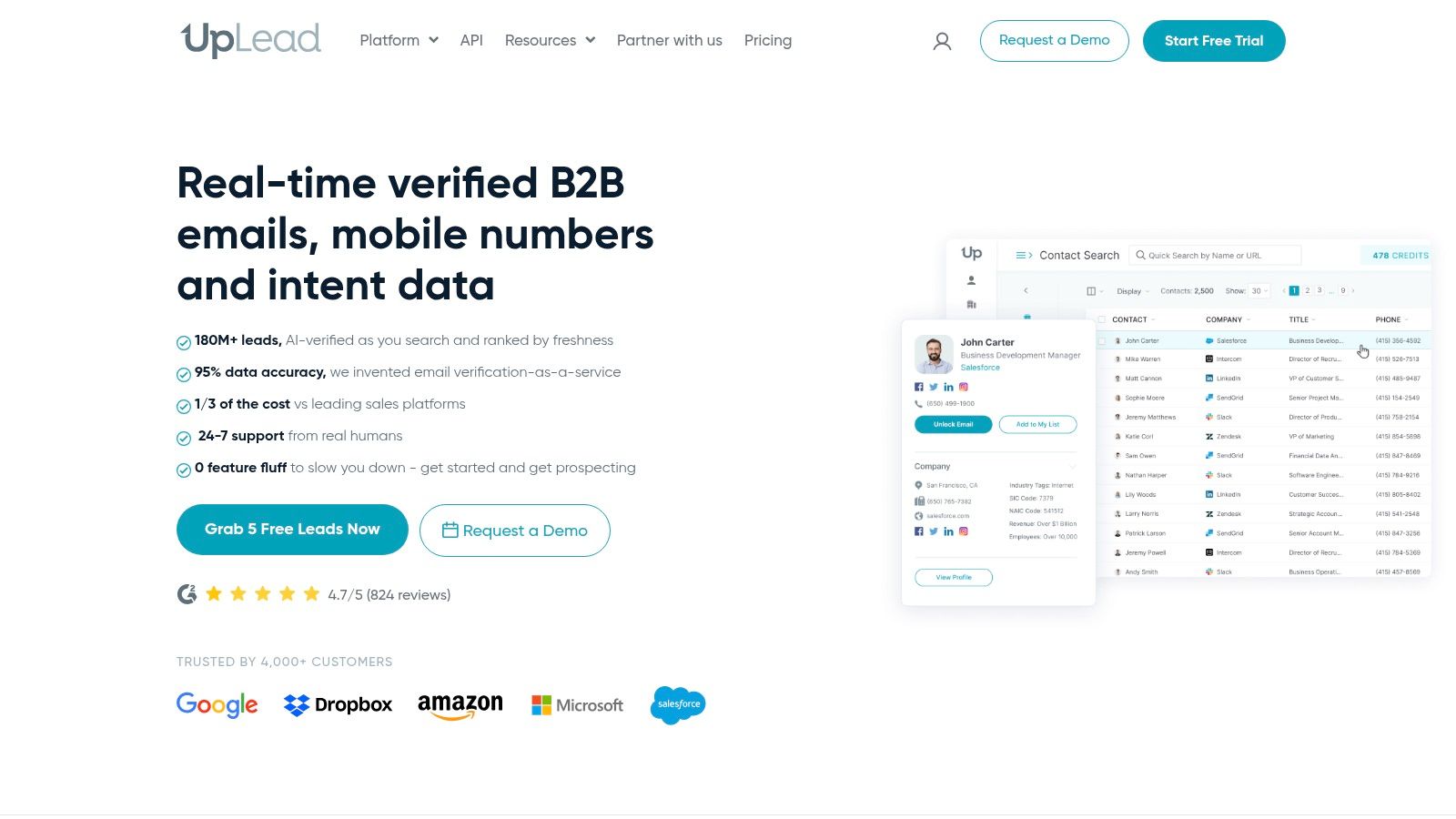
UpLead is one of the more straightforward marketing database examples because its value proposition stays narrow. Search for contacts and companies, verify before export, and keep the buying process simple. That clarity matters.
A lot of tools promise database coverage, then bury verification quality inside workflow complexity. UpLead comes at the problem from the opposite side. It emphasizes verified exports and transparent packaging, which makes it attractive for SMB and mid-market teams that don't want a long procurement cycle.
Where UpLead makes sense
If your team buys lists, enriches campaigns, and exports directly into outreach or CRM workflows, UpLead is easy to operationalize. Marketing ops teams often prefer tools like this when they need a controlled source for campaign audiences but don't want to retrain half the org on a larger platform.
That also makes UpLead useful as a secondary source. Some teams keep a broad all-in-one platform for sales and use a simpler export-and-verify tool for marketing-specific audience building. That sounds redundant until you've dealt with audience mismatch across channels.
Use a second database source only if it has a clearly defined job. For example, one source for enterprise account intelligence and another for verification-first export workflows.
Trade-offs
The upside is simplicity. The downside is surface area. You won't get the same level of native engagement tooling or broad orchestration features you'd expect from a platform like Apollo or ZoomInfo.
- Good fit for self-serve buyers: Public pricing and easier testing reduce evaluation friction.
- Useful for list hygiene: Verification at export helps before records hit campaigns.
- Less suited to platform consolidation: You'll still need separate tools for sequencing, governance, and advanced workflow automation.
For teams that care more about reliable export quality than about owning a full revenue platform, that's often the right trade.
4. Apollo.io
Apollo.io is what many teams buy when they want speed more than purity. Database, prospecting, sequencing, basic pipeline views, browser extension, and some deliverability tooling all sit in one place. You can go from target account list to live outreach quickly.
That's exactly why Apollo gets adopted fast by SMB and mid-market teams. Fewer tools. Less implementation. Lower friction between list building and execution.
Why teams adopt it fast
If you're building outbound from scratch, Apollo is compelling. New reps can prospect inside the same platform they use to run sequences. Marketing can use the data for audience creation without negotiating a bigger enterprise stack. Rev ops can support the system without stitching together five vendors on day one.
That combination of data plus action is the point. For smaller teams, perfect separation between foundational data and engagement isn't always realistic. Apollo gives you a practical middle ground.
A broader market reality also supports that approach. Guidance on strong marketing case studies says the most useful examples pair a clear business challenge with strategy and before-and-after benchmark data, using metrics like traffic, leads, conversion rate, or revenue growth so the result is actionable for buyers, as outlined in this Adobe case study guidance. Apollo's appeal is that it makes those experiments easier to run because the data and execution layers sit close together.
Backlink for comparison context: DMpro vs Apollo features
Where it breaks down
The weakness is operational neatness. Credit systems, export limits, mobile credit logic, and API restrictions can create friction once the org gets more advanced. The same all-in-one setup that helps you launch quickly can become awkward when you need stricter governance or a cleaner single source of truth.
- Strong for fast rollout: Prospecting and sequencing in one place.
- Good value for mixed teams: Sales and marketing can share one operating tool.
- Less ideal for mature data architecture: Database governance and modular workflows get harder over time.
Apollo is often the right starting point. It just isn't always the final architecture.
5. Lusha
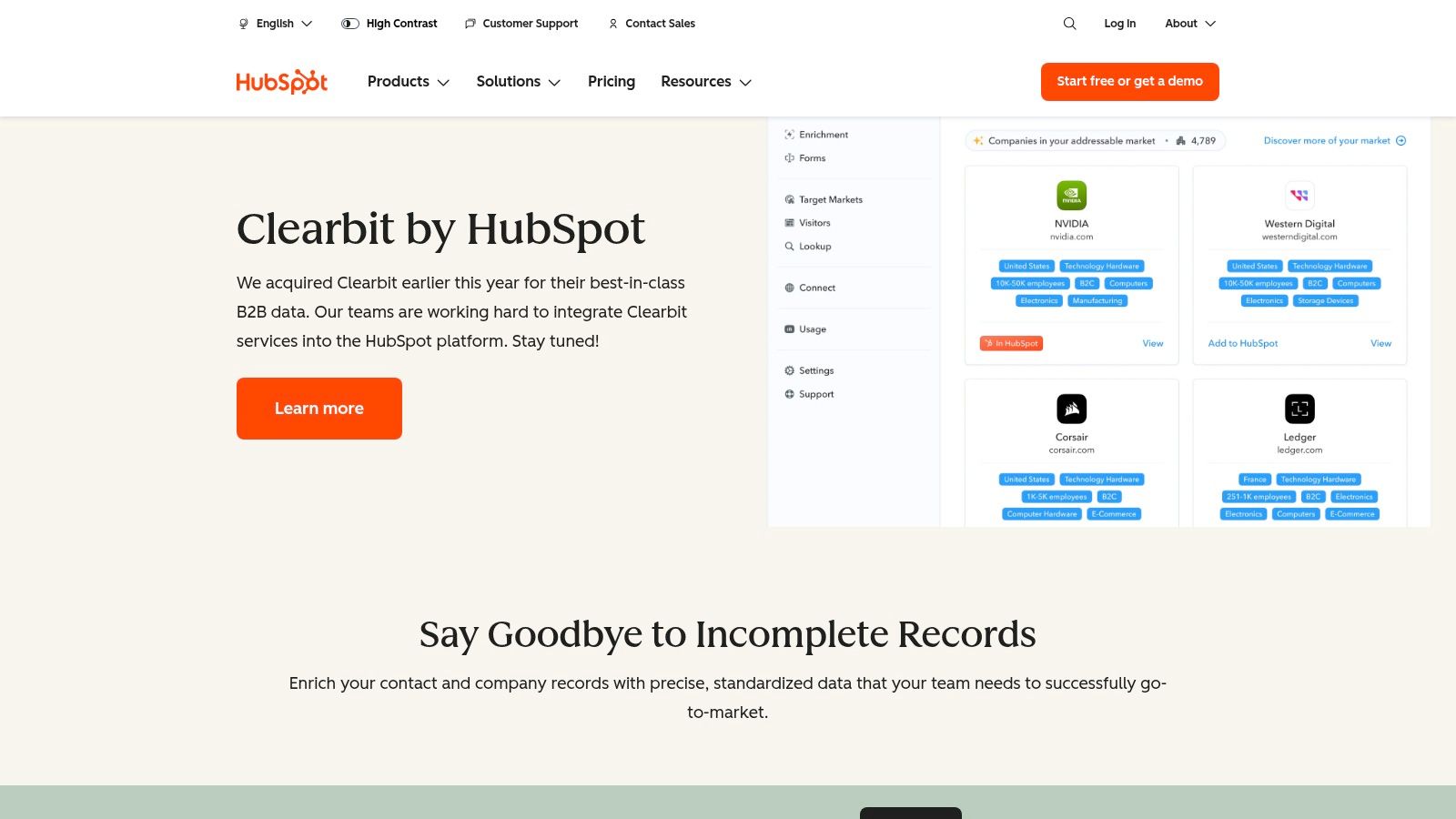
Lusha is a practical choice when your team cares a lot about direct contact information and wants a simple workflow. The workspace is easy to understand, the browser extension is familiar, and the credit model is clear enough that smaller teams can manage usage without a finance meeting.
That clarity is underrated. A lot of database tools become expensive because nobody can tell which actions consume what. Lusha does a better job than many competitors of making the credit logic visible.
What Lusha is good at
Lusha works well for phone-centric outbound motions, especially when reps rely on direct dials and quick enrichment from LinkedIn or company pages. It also fits teams that want a light layer of prospecting and API access without rolling out a full enterprise platform.
For marketing database examples, Lusha represents a focused operating choice rather than a strategic data backbone. It's the kind of tool that improves day-to-day prospecting more than it transforms the company's overall data model.
Where teams outgrow it
That distinction matters. Once multiple teams need shared governance, automated routing, layered enrichment, and deeper CRM controls, Lusha starts to feel narrow. Credit consumption can also become a planning issue if phone data sits at the center of your outreach model.
- Easy to start: Free plan and browser-first workflow lower adoption friction.
- Useful for rep productivity: Fast access to contact details where reps already work.
- Not ideal as the only database layer: Advanced automation and governance usually require more stack around it.
If you're comparing it against specialist enrichment options, this page on the Icypeas alternative to Lusha is a useful contrast.
For broader category shopping, this roundup of top 10 Apollo.io competitors is also relevant.
6. People Data Labs PDL
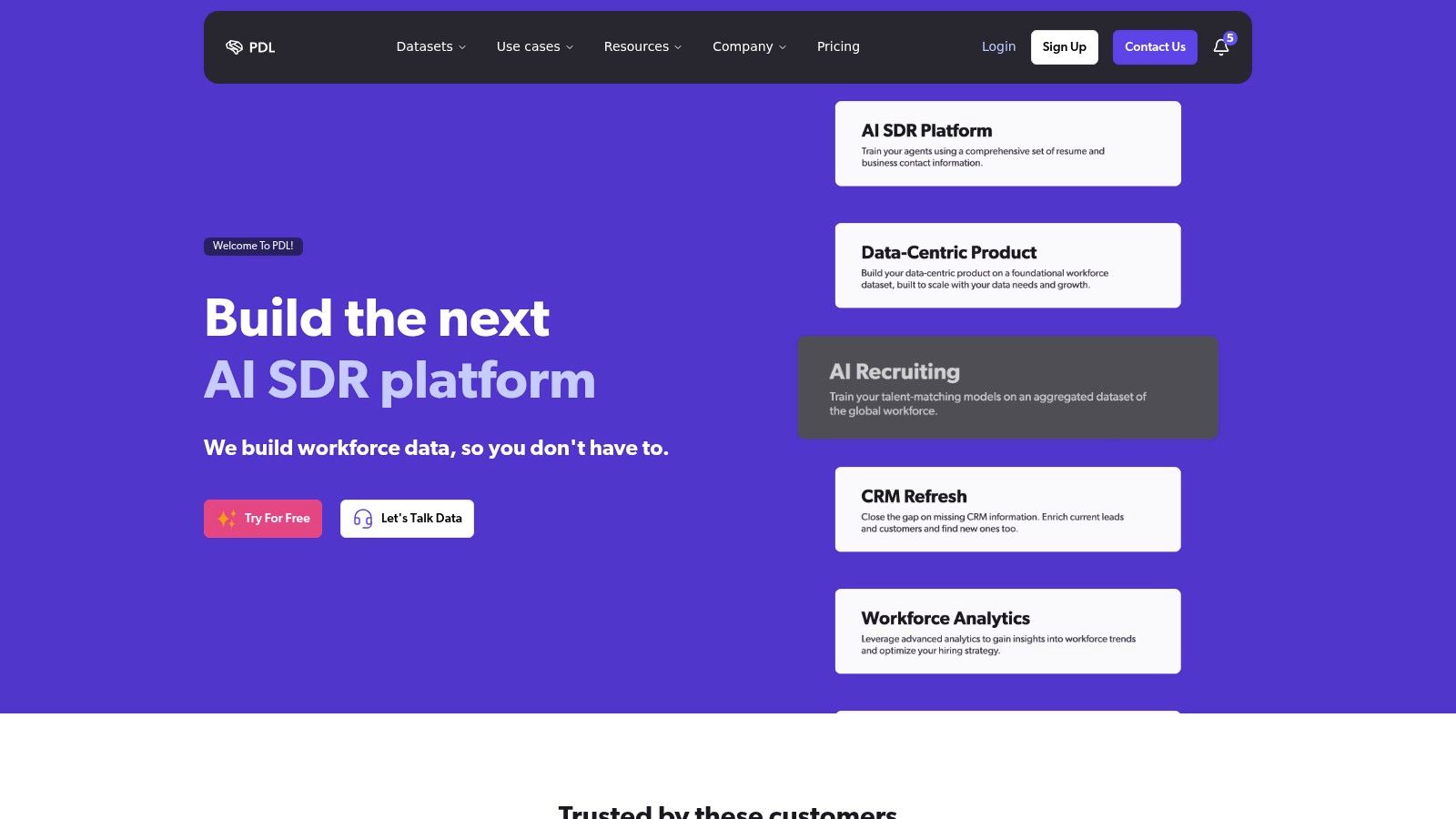
People Data Labs is one of the clearest API-first marketing database examples on this list. You don't buy it because you want reps living inside a polished prospecting workspace. You buy it because you want data accessible inside your own systems.
That changes how you evaluate it. With PDL, the question isn't “Can a rep build a list quickly?” The question is “Can my team enrich records programmatically, at scale, with flexible match keys and predictable implementation?”
Why API-first teams like it
Product builders, data teams, and marketing ops leaders often prefer this model because it separates data access from workflow design. You can enrich a CRM, score inbound leads, power internal dashboards, or feed product experiences without forcing your process into someone else's UI.
That's especially useful when your company already has a strong operational layer. If your CRM, warehouse, and automation stack are established, an API-first provider often creates less disruption than a full GTM platform.
There's also a content operations angle worth borrowing here. Advice on building case-study databases recommends a centralized, searchable library of customer stories organized by industry or solution type so sales and marketing can quickly surface relevant proof points across nurture, home pages, and enablement workflows, as described in this case study library guide. PDL fits a similar architectural mindset. Centralize the raw asset, then expose it where each workflow needs it.
API-first databases reward teams that already have discipline around schema, routing, and ownership. They punish teams that expect the vendor UI to save them from messy processes.
What you need to build yourself
The downside is that PDL won't do the operational thinking for you. You still need to decide match logic, deduplication, verification, fallback rules, and sync timing. If your team lacks that capability, a more packaged tool will create value faster.
- Best for builders: Flexible enrichment inside products and internal systems.
- Strong when data architecture already exists: Warehouse, CRM, and automation can stay in place.
- Weak as a turnkey answer: Validation and orchestration still need internal ownership.
That's the classic API-first trade-off. More control. More responsibility.
7. Clearbit by HubSpot
Clearbit by HubSpot is easiest to understand if you stop viewing it as a standalone database vendor. It's now best thought of as a native enrichment and audience layer inside the HubSpot ecosystem.
That matters because native fit often beats feature breadth. If your CRM, forms, lifecycle stages, automation, and ad audiences already live in HubSpot, using a HubSpot-native enrichment path usually creates less operational drag than bolting on another provider.
Best fit
This is a strong choice for teams that want company and contact enrichment attached directly to HubSpot objects and workflows. Form shortening, audience discovery, and routing inside the same environment reduce the amount of sync logic marketing ops has to maintain.
The governance benefit is real too. Permissions, field structure, and automation all stay inside one system, which usually makes troubleshooting easier.
Limits to understand
The trade-off is flexibility. If you want a broadly independent data provider with a standalone product path, this won't feel as open as it once did. Procurement and provisioning now follow the HubSpot model, and teams outside the HubSpot ecosystem won't get the same benefit.
- Great for HubSpot-standardized teams: Native enrichment reduces integration lift.
- Good for operational simplicity: Routing and automation happen in familiar workflows.
- Less attractive for stack-neutral buyers: The product direction is tied closely to HubSpot.
If HubSpot is already the center of your go-to-market stack, that's a feature, not a bug.
Top 7 Marketing Databases Comparison
| Tool | Implementation Complexity 🔄 | Resource Requirements ⚡ | Expected Outcomes ⭐📊 | Ideal Use Cases 💡 | Key Advantages |
|---|---|---|---|---|---|
| Icypeas | 🔄 Low–Moderate: developer‑friendly API; easy enrichment integration. | ⚡ Low: flexible, non‑expiring credits; modest engineering for embedding. | ⭐📊 High verification accuracy and low bounce rates; improved deliverability. | 💡 Email discovery, strict verification, enrichment for pipelines and products. | Strict catch‑all verification, large refreshed DB (575M people), 99.9% uptime, GDPR/ISO. |
| ZoomInfo | 🔄 High: enterprise rollout, governance, and multi‑team configuration. | ⚡ High: premium licensing, seat/usage contracts, implementation resources. | ⭐📊 Comprehensive GTM data, deep firmographic/intent coverage for org‑wide use. | 💡 Large enterprises needing end‑to‑end intelligence, governance, and integrations. | Broad dataset, rich integrations, enterprise implementation and support. |
| UpLead | 🔄 Low: self‑serve UI with verification at export. | ⚡ Low–Moderate: transparent pricing and simple tiers. | ⭐📊 Reduced bounce risk at export; reliable list downloads. | 💡 SMBs and mid‑market teams needing straightforward, verified exports. | Real‑time verification at export, clear pricing, easy trial/scaling. |
| Apollo.io | 🔄 Moderate: all‑in‑one setup (database + sequencer + CRM). | ⚡ Moderate: free tier available; credit/usage mechanics require management. | ⭐📊 Consolidated outbound workflows and sequencing; good cost/value. | 💡 SMB/mid‑market teams wanting integrated prospecting and engagement. | Bundled prospecting + sequencing + basic CRM; strong value for price. |
| Lusha | 🔄 Low: quick start via browser extension and workspace. | ⚡ Low: free plan and credit model (phone credits costlier). | ⭐📊 Fast access to direct contacts; effective for phone outreach. | 💡 Phone‑centric outbound and quick LinkedIn enrichment workflows. | Easy onboarding, clear credit model, focus on direct dials and API. |
| People Data Labs (PDL) | 🔄 Moderate–High: API‑first requires engineering for validation and dedupe. | ⚡ Moderate: transparent plans and volume pricing; developer resources needed. | ⭐📊 Scalable, programmatic enrichment for product and data teams. | 💡 Embedding enrichment into products, CRMs, or internal data pipelines. | Flexible match keys, developer‑friendly APIs, security/compliance attestations. |
| Clearbit (HubSpot) | 🔄 Low–Moderate: minimal lift if on HubSpot; otherwise higher for standalone use. | ⚡ Moderate: tied to HubSpot licensing and provisioning flows. | ⭐📊 Native HubSpot enrichment, form shortening, and audience routing. | 💡 Teams standardized on HubSpot wanting native enrichment and automation. | Tight HubSpot integration, ICP/audience tools, native routing and automation. |
From Data to Pipeline Making Your Database Actionable
The biggest mistake I see is treating a marketing database like a vendor decision instead of a system design decision. Teams ask which platform is best, when the better question is which layer each platform should own. That's how you avoid duplicate records, conflicting enrichment, and audience logic that breaks every time a campaign moves channels.
The cleanest model is layered. Start with foundational data quality. That means verified contact records, dependable company enrichment, and clear ownership of the fields that matter most to routing, segmentation, and activation. Then add an operating layer for prospecting, sequencing, CRM workflows, or HubSpot-native automation, depending on how your team works. Finally, add API-first components only where custom workflows produce actual value.
In that model, specialist tools earn their place because they protect the base layer. All-in-one tools earn their place because they help teams move. API-first tools earn their place because they let ops and product teams shape the system around the business instead of around a vendor UI.
That distinction matters even more now because modern database strategy isn't just about collecting more records. It's about maintaining the right records for the right use case. Outbound teams need verification and recency. Marketing ops needs segmentation-ready fields and clean syncs. Paid teams need audience activation that maps cleanly to CRM truth. Leadership needs dashboards that don't collapse when someone imports a bad list.
If I were building from scratch, I'd start with the narrowest question possible: where does low-quality data create the most damage today? For many teams, the answer is outbound deliverability or inbound lead routing. Fix that first. Then decide whether a broader platform improves execution or just adds another database you now have to govern.
That's why a quality-first approach usually wins. A specialist source like Icypeas can serve as the trusted enrichment and verification layer feeding the rest of the stack. You can then pair it with a broader system like Apollo, ZoomInfo, or HubSpot-native workflows depending on team size and process maturity. If your team builds internal systems, an API-first layer such as PDL can sit alongside that foundation rather than replace it.
The database becomes valuable when people use it to make better decisions and run cleaner plays. That means verified records, aligned schemas, useful sync logic, and clear use-case ownership. It also means resisting the temptation to buy one giant platform and assume architecture will sort itself out later.
For teams working through that transition, these practical data enrichment strategies are a useful complement to the stack decisions above.
If you want a specialist data layer that improves deliverability, enriches records fast, and plugs into the systems you already use, Icypeas is a strong place to start. It fits especially well for marketing ops, SDR teams, agencies, and product builders who need reliable email discovery, strict verification, and API-ready enrichment without committing to a bulky all-in-one platform.

























































































.png)



.webp)